
Suno AI can deliver a compelling song in minutes. But for many creators, the export can sometimes introduce harshness, thin mids, and background noise that wasn’t there in the preview. Here’s why that happens, and what actually fixes it.
Your Suno Track Sounds Good in Preview. So, Why Does the Export Feel Unfinished?
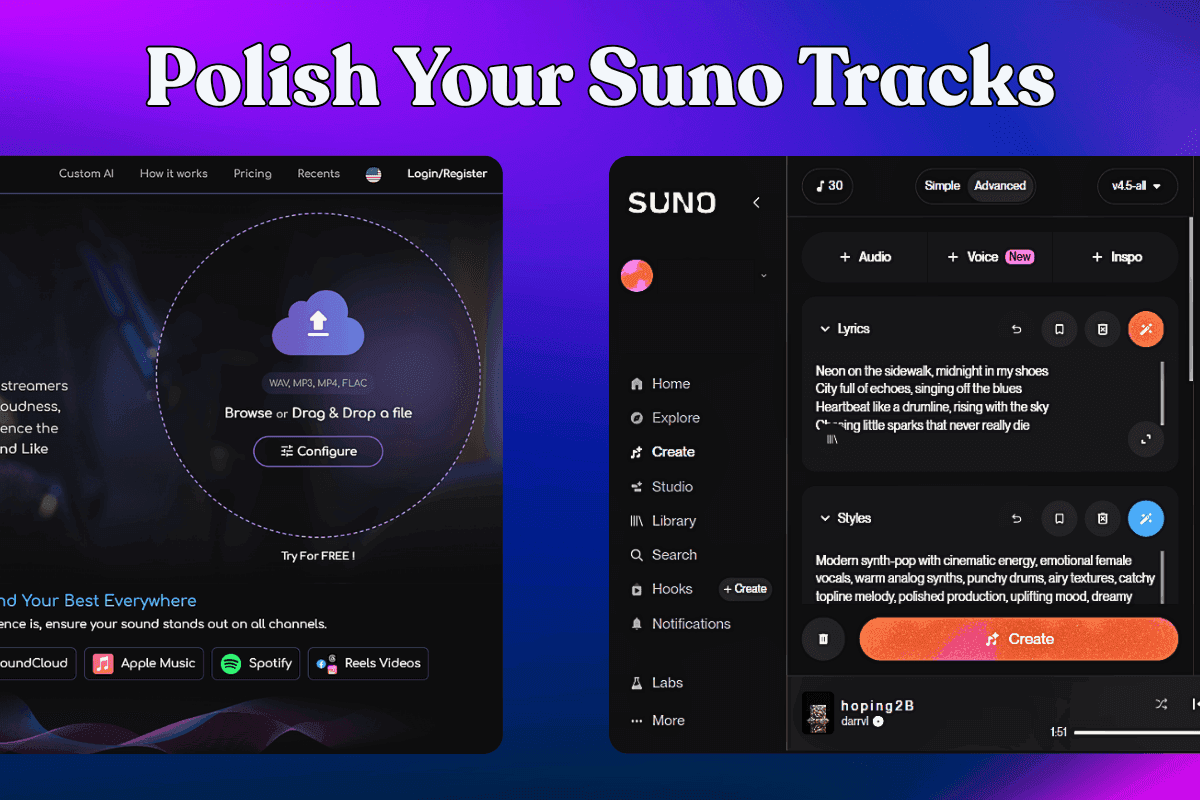
You’ve been working on a track in Suno. The idea is there, the melody sounds good, the energy feels right, and the mood is exactly what you were chasing. Then you hit export, and suddenly the final file feels a little underwhelming.
It is not broken, and it is not unlistenable. But it sounds quieter than the song that played before it on your playlist, a little harsher in the top end, and less full than it did in the preview. You may notice pops and clicks here and there, or even a faint hiss underneath everything.
If you’ve been making music with Suno, this moment might feel familiar.
The problem isn’t the idea. It’s what the export does to it.
Suno is genuinely good at the creative part. Tracks often come out with a strong hook, a clear mood, and real replay value. The platform’s latest model has pushed the quality of AI-generated music noticeably forward.
The issue is what the downloaded file sounds like outside the platform — especially when it’s sitting next to professionally released music on Spotify, Apple Music, or YouTube.
The gap shows up in a few consistent ways:
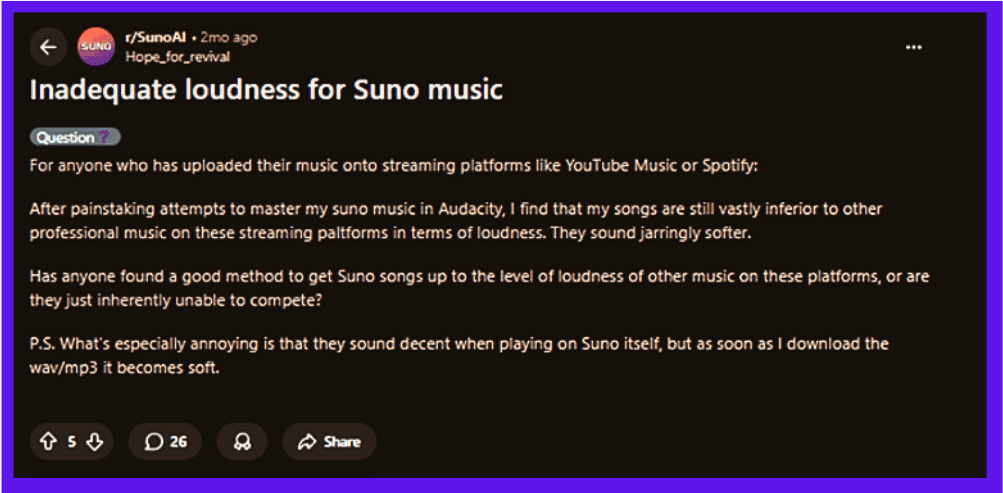
- The track plays back softer than everything around it, making it feel weaker even if the song itself is strong
- High frequencies can come across as harsh or brittle — the kind of sharpness that makes a listener reach for the volume knob
- The low end can feel thin or undefined, robbing the song of the weight it needs to feel finished
- Background noise, clicks, pops, or plosives can appear — artifacts from the generation process that weren’t obvious on first listen
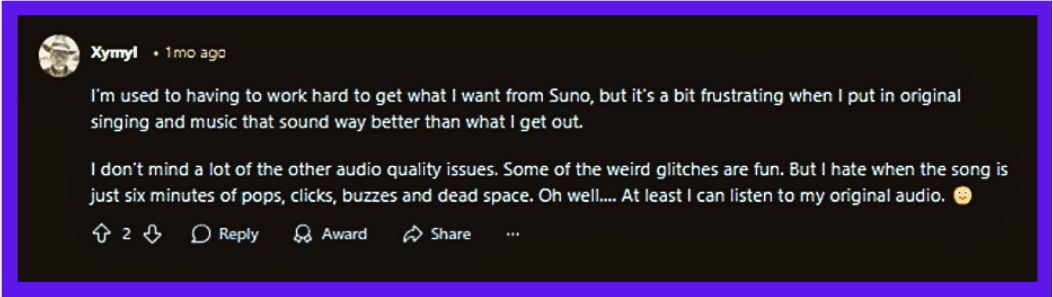
One user on r/SunoAI described getting audio back that had become “minutes of pops, clicks, buzzes and dead space.” That’s an extreme case, but it illustrates something real: the roughness in a Suno export isn’t just a loudness problem. It’s a combination of noise, balance, and dynamics issues that a simple volume boost won’t fix.
Why regenerating and re-prompting won’t get you there
Most people’s first instinct is to go back into Suno and try again. Tweak the prompt. Adjust the structure. Generate a few more variations and pick the cleanest one.
That can help, sometimes. But it’s rarely reliable, and it doesn’t address what’s actually happening. The export quality isn’t a prompt problem. It’s an audio processing problem.
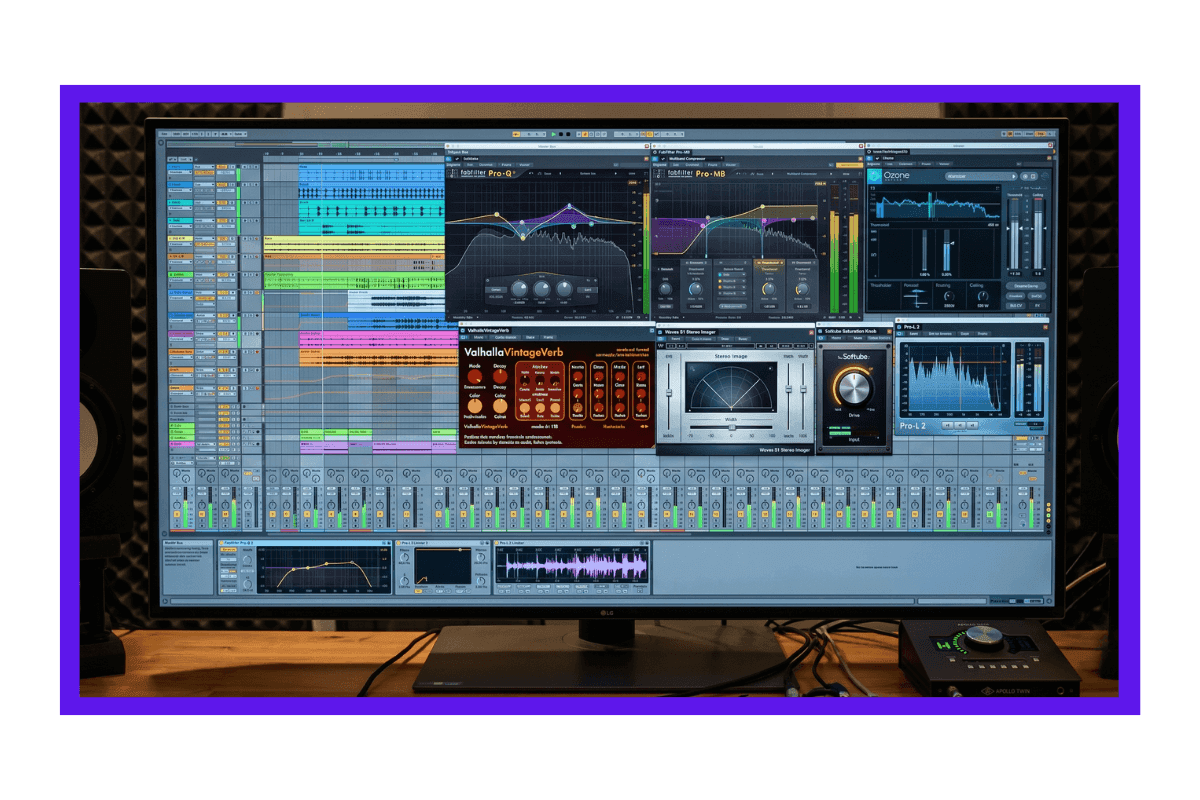
The second instinct is to open the file in Audacity, GarageBand, or a DAW and try to manually fix it. That can work too, but it comes with its own costs:
- Most Suno users aren’t trying to become audio engineers — they just want the song to sound finished
- A single small edit can easily turn into an hour of trying to fix volume, sharpness, noise, and balance all at once
- Even experienced editors often come out the other side with a track that still doesn’t quite sound like released music
Most guides on fixing Suno exports don’t go far enough. They’ll suggest EQ here, a denoiser there, maybe some compression — all useful advice, but advice that assumes you know your way around audio tools and are willing to invest serious time. That’s not most people.
What all of these approaches are trying to get to, and often fall short of, is cleanup and mastering. It is the final stage of audio production, where a track is made to sound balanced, polished, and consistent across different speakers, headphones, and streaming platforms. It’s what separates a rough mix from a finished release.
A more sensible workflow: let Suno write, let Remasterify finish
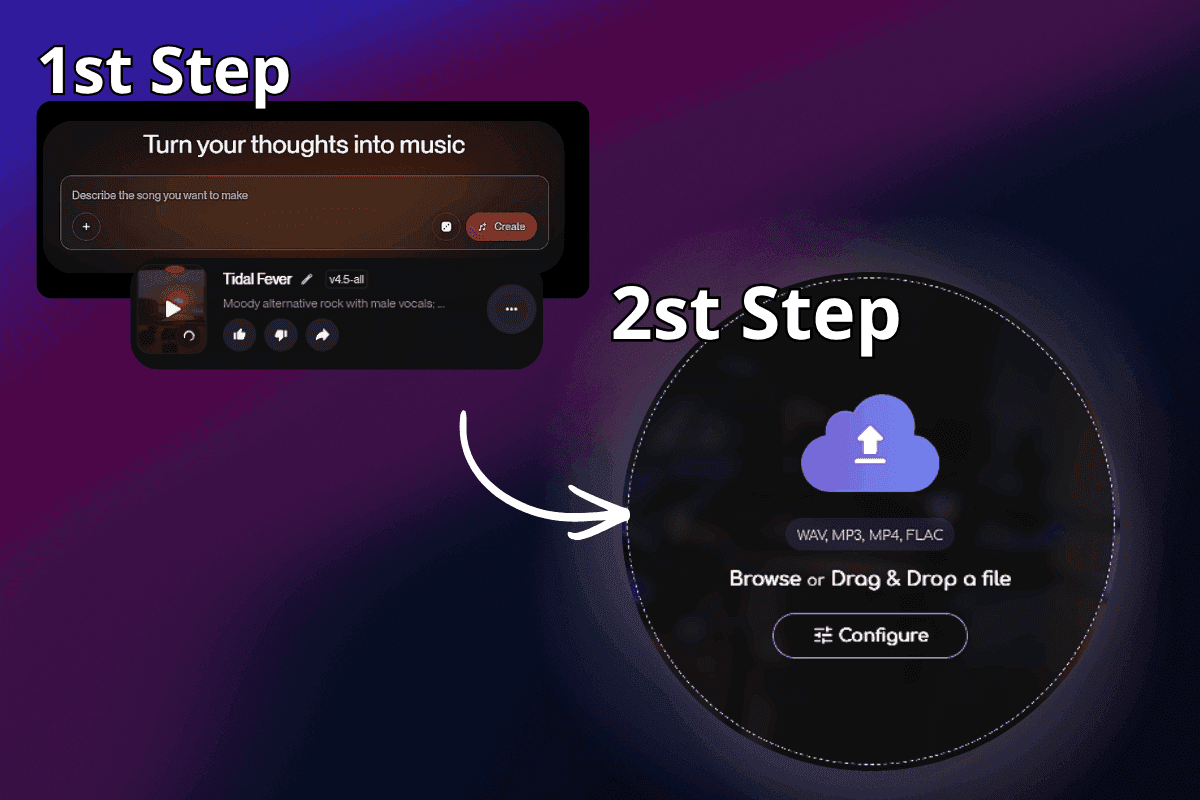
There’s a cleaner way to think about this. Suno is a creative tool. It’s exceptionally good at the part of music-making that used to require years of experience or a full studio session: generating a compelling, structured song with real emotional texture.
What it doesn’t do is master that song for the real world. That’s a separate discipline, and it’s one that Remasterify was built specifically to handle.
The workflow is straightforward. You create the track in Suno, export it, and bring it into Remasterify. From there, the process is mostly automatic:
- Remasterify first scans the audio for noise and artifacts — background hiss, static, clicks, pops, and plosives — and removes them before anything else happens
- It then analyzes the song’s BPM, key, energy, and overall sonic characteristics to understand what mastering approach actually fits this track
- Based on that analysis, it builds a mastering chain tailored to the song and applies it automatically
- The result is a master that’s ready for streaming — balanced, clean, and loud enough to hold its own next to commercial releases
The point isn’t to replace the creative process. It’s to complete it. Suno gets you a great idea. Remasterify gets that idea out into the world sounding the way it deserves to.
“ The song idea may be there. The melody may work. The mood may be right. But without mastering, the final playback can still feel like a demo. ”
Suno’s Remaster button vs. dedicated mastering: what’s the real difference?
Suno does have a built-in Remaster button, but it isn’t the same as a dedicated mastering step. Suno describes ‘Remaster’ as a way to create subtle variations of a clip that improve balance, clarity, and overall polish while keeping the core song intact.
That makes it useful for refining a track inside Suno. Remasterify comes in at a different stage: after export, as a dedicated mastering step focused on making the final audio sound more polished, balanced, and release-ready. Here’s how the two compare:
| Feature | Suno Remaster Button | Remasterify |
|---|---|---|
| Core approach | Creates a refined variation of the original clip | Applies dedicated mastering to the exported track |
| Main purpose | mproves mix, balance, clarity, and sonic polish | Makes the exported track sound more finished and playback-ready |
| Noise & artifact handling | May reduce some harshness as part of remastering | Targets hiss, clicks, pops, and similar export artifacts before mastering |
| Loudness for streaming | May improve perceived loudness and balance within Suno. | Aims for more consistent loudness in line with modern streaming playback. |
| End result | A cleaner version of the track within Suno | A more finished version of the exported track for external playback. |
The short version: Suno’s Remaster button helps polish the track inside Suno, while Remasterify focuses on getting the exported version closer to a finished release.
The difference is easier to hear than explain.
Original
Mastered
This playback compares a Suno-generated song in its original exported form with the same track after mastering through Remasterify. What changes is not the composition, but the finish: greater clarity, cleaner detail, stronger balance, and a more polished sound that feels ready to stand beside released music.
Frequently Asked Questions
Should I switch to another Suno AI alternative?
Not necessarily. Suno is genuinely one of the strongest tools in its category for creative generation, and switching platforms won’t solve a mastering problem. The more effective move is to keep using Suno for what it does well and pair it with a dedicated mastering step. That combination gets you further than any single tool on its own.
How does Remasterify handle noise specifically?
Remasterify’s noise removal runs before the mastering stage, not after. It scans the exported audio for background hiss, static, clicks, pops, and plosives — common artifacts in AI-generated music — and cleans them out first. This matters because mastering a noisy track amplifies the noise alongside everything else. Cleaning first means the mastering chain works on a stable, artifact-free signal.
Does using Remasterify create any copyright issues?
No. Remasterify processes the audio file you upload — it doesn’t claim ownership, alter the underlying composition, or affect any rights attached to the original track. The master it produces is yours. As always, it’s worth checking the specific licensing terms attached to your Suno plan regarding commercial use of generated tracks, but the mastering process itself is legally straightforward.
Make your Suno track release-ready.
Fix noise, clarity, and volume in seconds.