
Better balance, clarity, warmth, and polish through focused frequency control. Every small adjustment can change how your track feels across speakers, headphones, and streaming platforms.
Parametric EQ: The Mixing Tool You're Probably Not Using Correctly
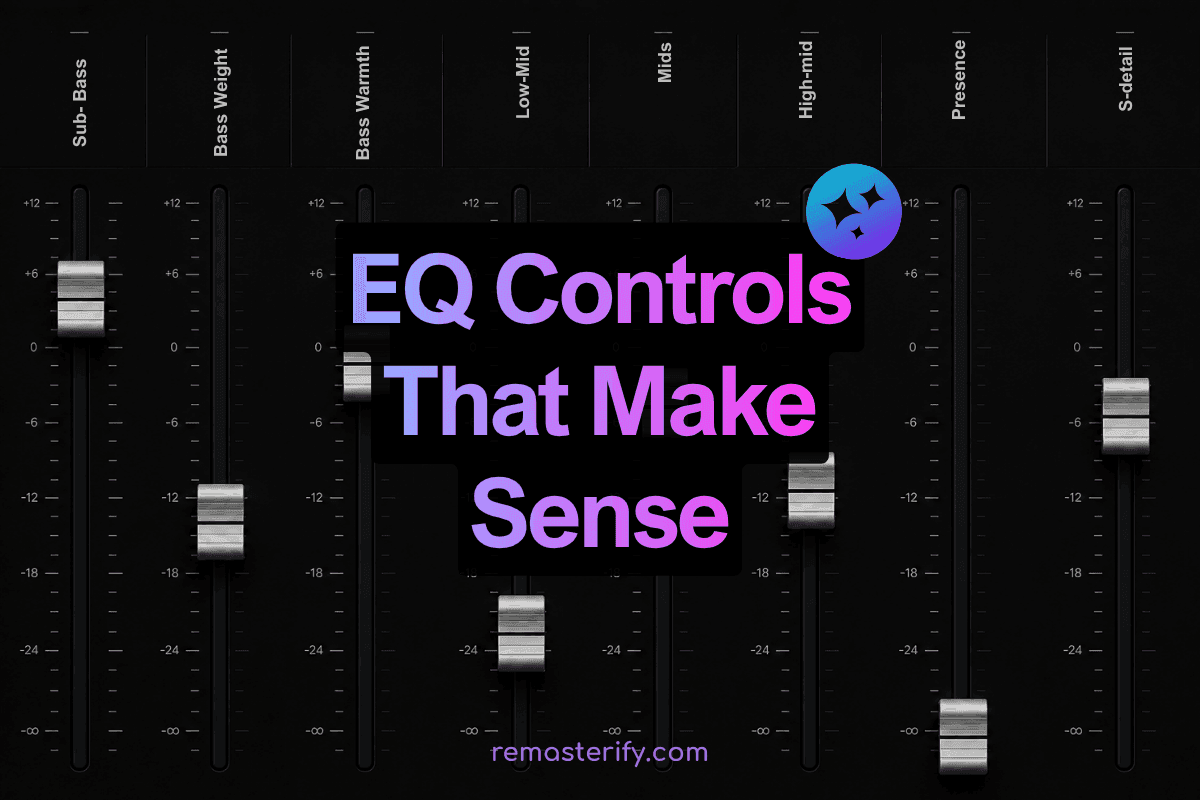
A track doesn't have to sound loud to feel powerful, or bright to feel clear. Most of what we describe as "professional-sounding" audio isn't about volume at all; it's about which frequencies are present, which are pulled back, and how much space each one is given. The human ear registers frequencies from roughly 20Hz to 20,000Hz, but our sensitivity isn't flat across that range; we're most sensitive between 2kHz and 5kHz, which is precisely where vocal clarity, instrument definition, and perceived loudness live.
This is where a parametric EQ does its most important work. Unlike basic bass and treble controls, it lets you move with precision, choosing the exact frequency that needs attention, deciding how widely or narrowly the change should spread, and controlling how much you're boosting or cutting. That level of control means you're not guessing. You're responding to what the track is actually telling you.
What is Parametric EQ?
A parametric EQ is an equalizer that lets you choose a specific frequency, boost or cut it, control the width of the change, and select the filter shape. This makes it useful for both broad tone shaping and precise fixes.
If a master feels muddy, you may reduce the low mids. If it feels dull, you may add a soft lift in the highs. If one sharp tone jumps out, you can make a narrow cut without changing the whole track.
The Main Parameters in a Parametric EQ
1. Frequency
Frequency is the area you want to adjust. It is measured in hertz, or Hz. A parametric EQ lets you pick the exact point instead of forcing you to use fixed bands.
2. Gain
Gain decides how much you boost or cut that frequency. It is measured in decibels, or dB. Small moves often work better than extreme changes, especially in mastering.
3. Q or Bandwidth
Q controls how wide or narrow the adjustment is. A low Q creates a wide, gentle curve. A high Q creates a narrow, focused curve for removing ringing, harshness, or hum.
Think of Q like brush size. A wide brush is better for warmth or brightness. A narrow brush is better for fixing one annoying frequency.
Different Types of Filters in Parametric EQ
| Filter Type | What It Does | Common Uses |
|---|---|---|
| Bell / Peak Filter | Boosts or cuts around a selected center frequency. | Reducing mud, adding presence, cutting harshness, or shaping body. |
| Low Shelf Filter | Boosts or cuts frequencies below a selected point. | Adding bass weight, reducing boom, or warming a track. |
| High Shelf Filter | Boosts or cuts frequencies above a selected point. | Adding air, brightening a dull master, or softening the top end. |
| High-Pass Filter | Reduces frequencies below a cutoff point. | Removing rumble and unnecessary sub-bass. |
| Low-Pass Filter | Reduces frequencies above a cutoff point. | Softening noise, hiss, or excessive brightness. |
| Notch Filter | Makes a very narrow cut at one frequency. | Removing hum, ringing, whistle tones, or resonances. |
Practical Use Cases of Parametric EQ
Parametric EQ is valuable because it solves real listening problems. Settings change from track to track, but the goal is usually the same: better balance and clearer details. Let’s follow along with Remasterify’s EQ settings.
1. Clean the Low End
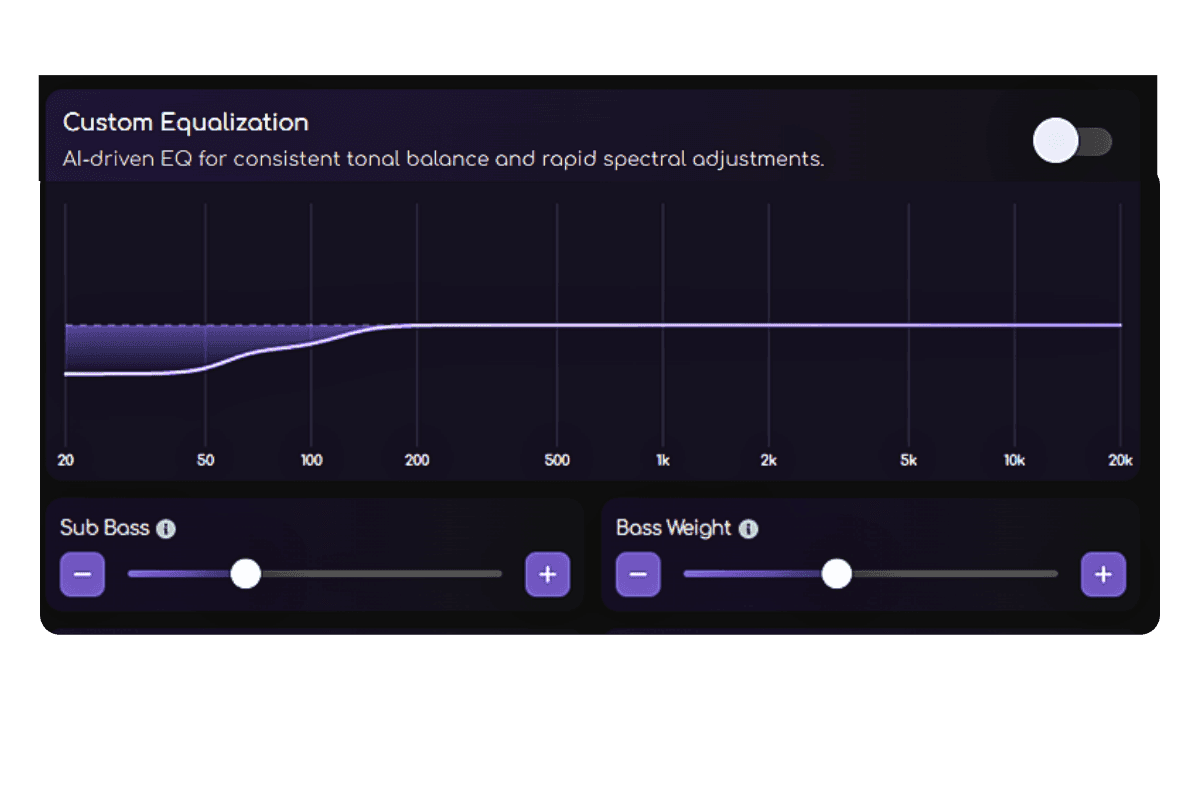
Shape depth and punch with musical EQ controls.
Too much deep bass can make a track feel heavy, unclear, or unstable. Some sub frequencies may not be obvious on small speakers, but they can still reduce headroom. A high-pass filter or careful low-shelf adjustment can remove rumble while keeping useful bass intact.
2. Reduce Mud and Boxiness
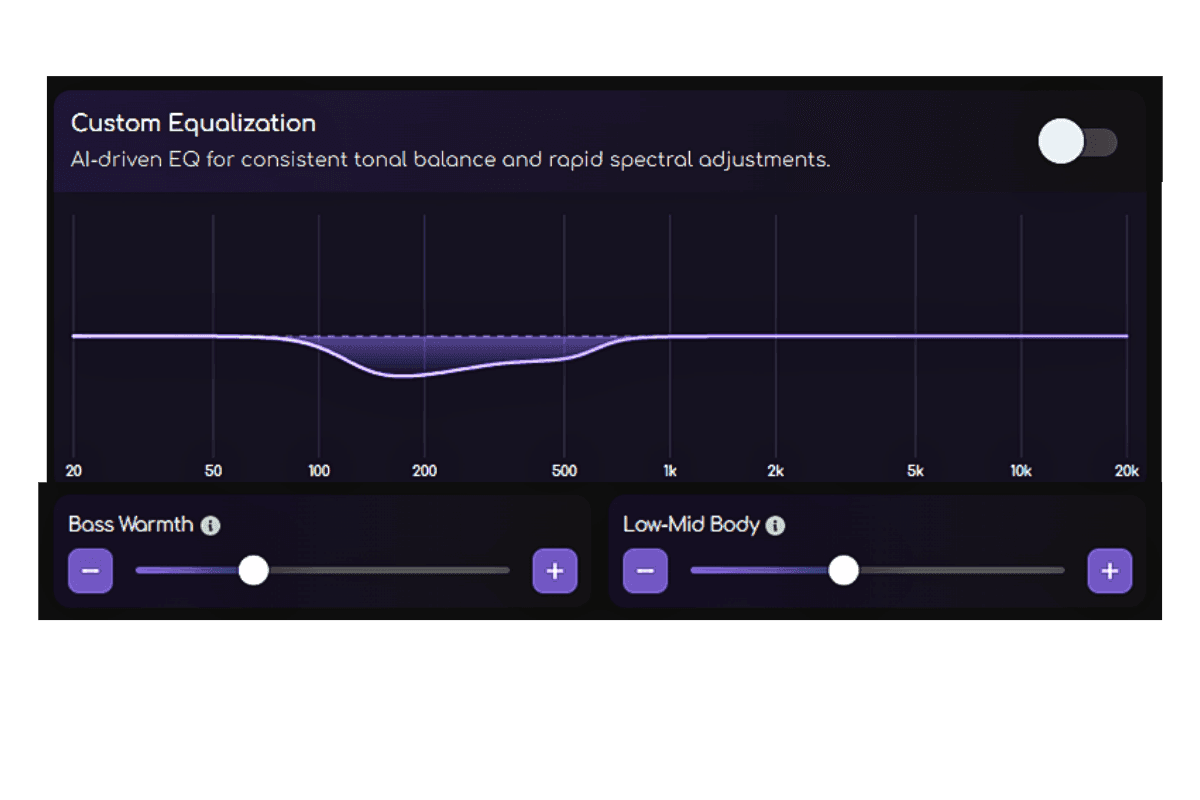
Bass Warmth and Low-Mid Body help you adjust cloudiness, thickness, and body with clearer purpose.
Muddiness often builds up in the low mids. When this area is crowded, vocals, drums, guitars, and synths can feel cloudy even if each sound is good on its own. A small, focused cut can open the track without making it thin.
3. Improve Clarity Without Adding Harshness
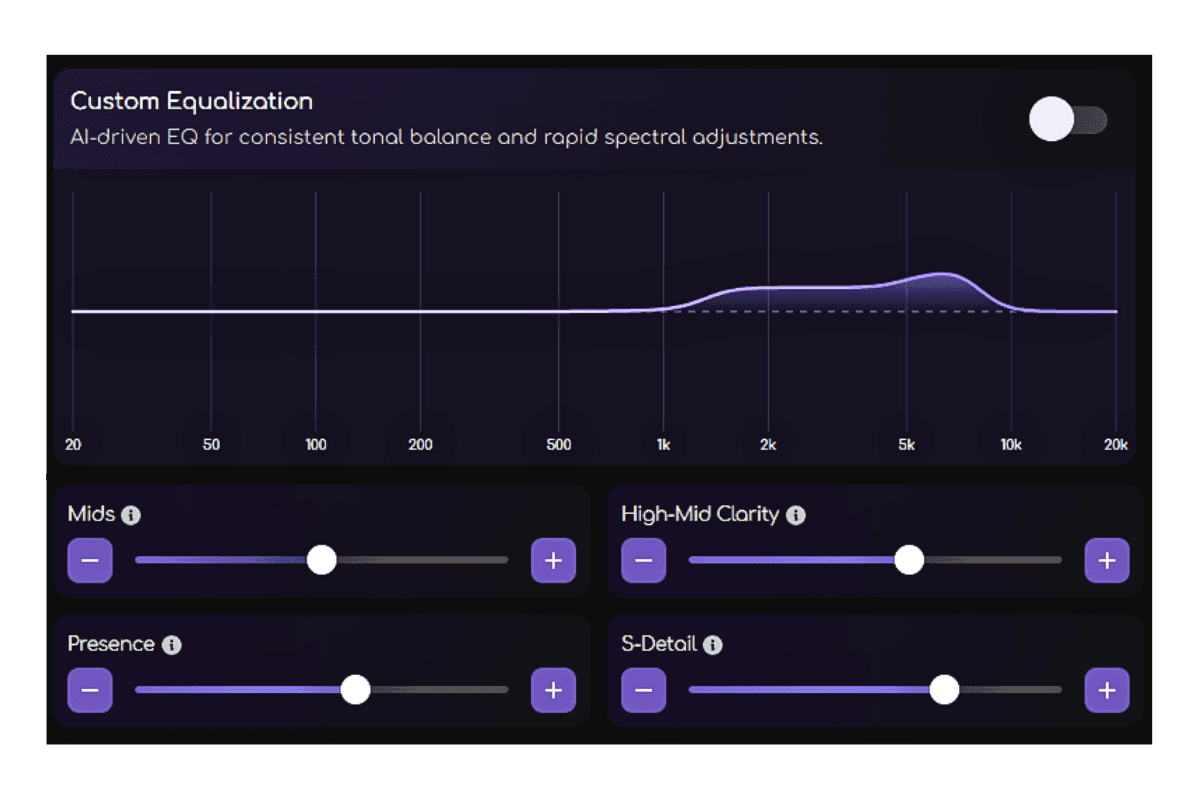
Use Presence, High-Mid Clarity, and S-Detail to improve clarity without adding harshness.
The upper mids and presence range can make vocals and instruments feel forward. It can also make a track tiring if pushed too far. A gentle lift can improve definition, while a narrow cut can reduce sharpness.
4. Add Brightness, Air, and Better Translation
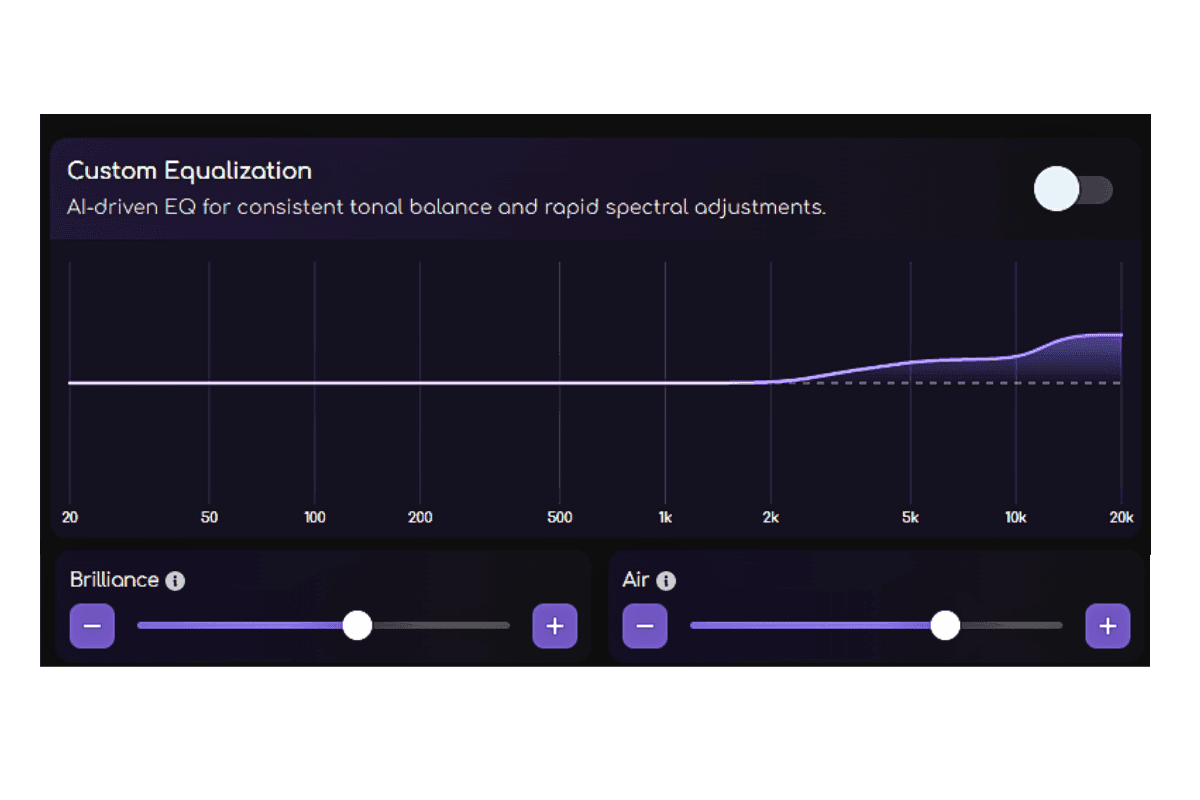
A track that feels dull may need a soft high-shelf lift. A track that feels sharp may need the opposite. These changes also affect translation, which means how well the song holds up on headphones, car speakers, phones, clubs, and streaming platforms.
How Remasterify Makes EQ Easier
The difficult part of parametric EQ is not the idea itself. It is the decision-making. You need to know which frequency to change, how much to move it, which filter to use, and whether the adjustment is actually improving the song.
Remasterify makes this process easier with AI Equalization. When you upload your WAV, FLAC, or MP4 file, Remasterify analyzes the audio and applies EQ settings that suit the track’s tone, balance, and overall character.
For more control, Remasterify also offers Custom Equalization. Instead of working with a complicated technical graph, you can adjust each band through simplified controls that describe what they do to the sound.
That matters because EQ is not just a technical step. It directly affects how finished the track feels. A well-balanced EQ can make the low end feel tighter, the mids feel clearer, and the highs feel more open without changing the core emotion of the song.
When you remaster your track in Remasterify, EQ is part of the overall polishing process. The goal is not only to change frequencies, but to help the audio feel cleaner, fuller, more balanced, and more release-ready across different speakers and platforms.
Frequently Asked Questions
Is parametric EQ good?
Yes, parametric EQ is one of the most useful types of EQ because it gives you detailed control over sound. You can choose the exact frequency, adjust how much you boost or cut, and decide how wide or narrow the change should be. This makes it useful for both creative tone shaping and fixing problems like muddiness, harshness, weak bass, or dull highs.
What is the difference between parametric and normal EQ?
A normal EQ usually gives basic bass, mid, or treble controls. Parametric EQ gives more control by letting you choose the frequency, gain, Q, and filter type.
This means you are not just turning broad areas up or down. You can make more focused changes based on what the track actually needs.
What is the difference between parametric and graphic EQ?
A graphic EQ uses fixed frequency bands. A parametric EQ lets you choose the exact frequency, which makes it more flexible and precise.
Graphic EQ is useful for quick adjustments, but parametric EQ is better when you need to target a specific sound problem or shape a track more carefully.
Which type of equalizer is best?
It depends on the job. Basic EQ is fine for quick tone changes. Graphic EQ works for fixed-band adjustments. Parametric EQ is usually best for detailed mixing and mastering because it gives more control.
Do I need to understand EQ to use Remasterify?
No. Remasterify's AI analyses your track and applies EQ automatically based on its tone, balance, and character. If you want more control, the Custom EQ uses descriptive labels like Presence and Bass Warmth instead of raw frequency numbers, so you're always adjusting by ear and feel, not by guesswork.