
Multiband Compression: When It Helps and When It Hurts
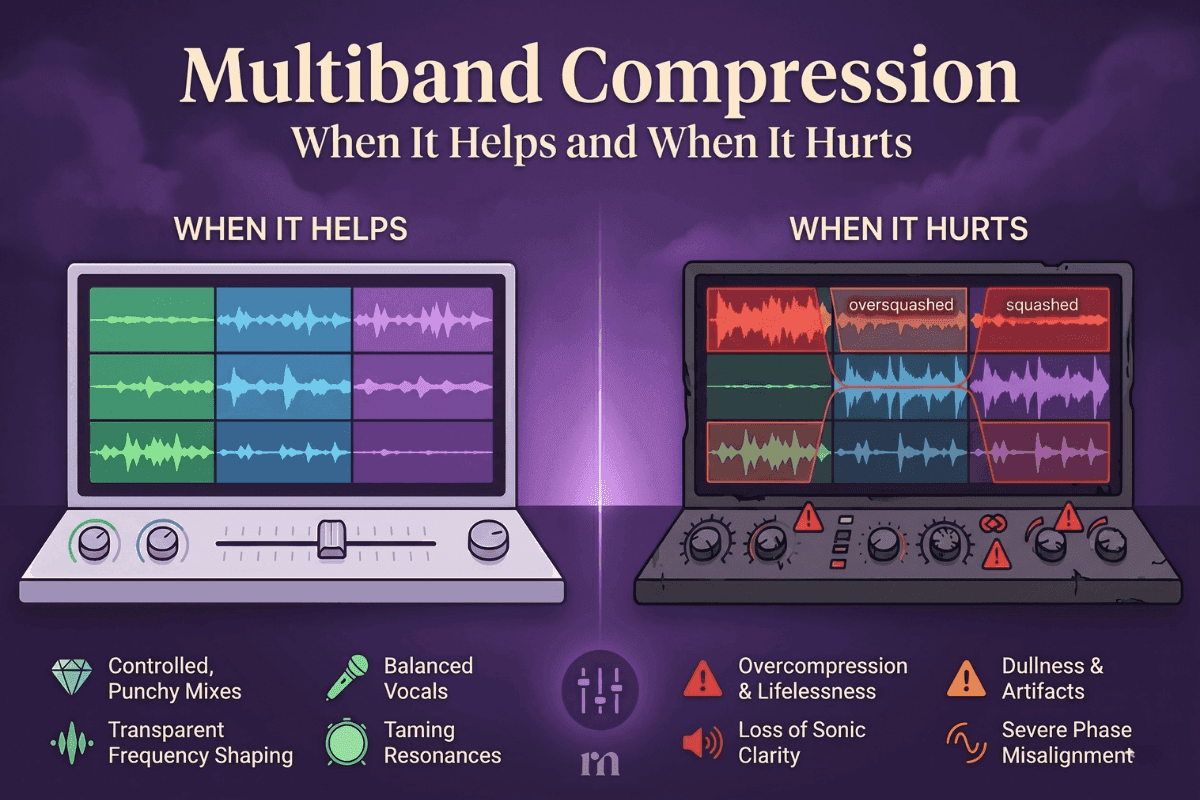
Multiband compression sits in every modern plugin folder and shows up in every "advanced mixing" tutorial you scroll past. Beginners pile it onto nearly every track because it sounds like the natural next step up from regular compression. Experienced engineers, on the other hand, often go weeks without touching it — and that difference says a lot about how the tool actually works.
This guide walks through what multiband really does, when it earns a spot on your mix, and the small choices that separate a polished result from a flat-sounding one.
What Multiband Compression Really Does
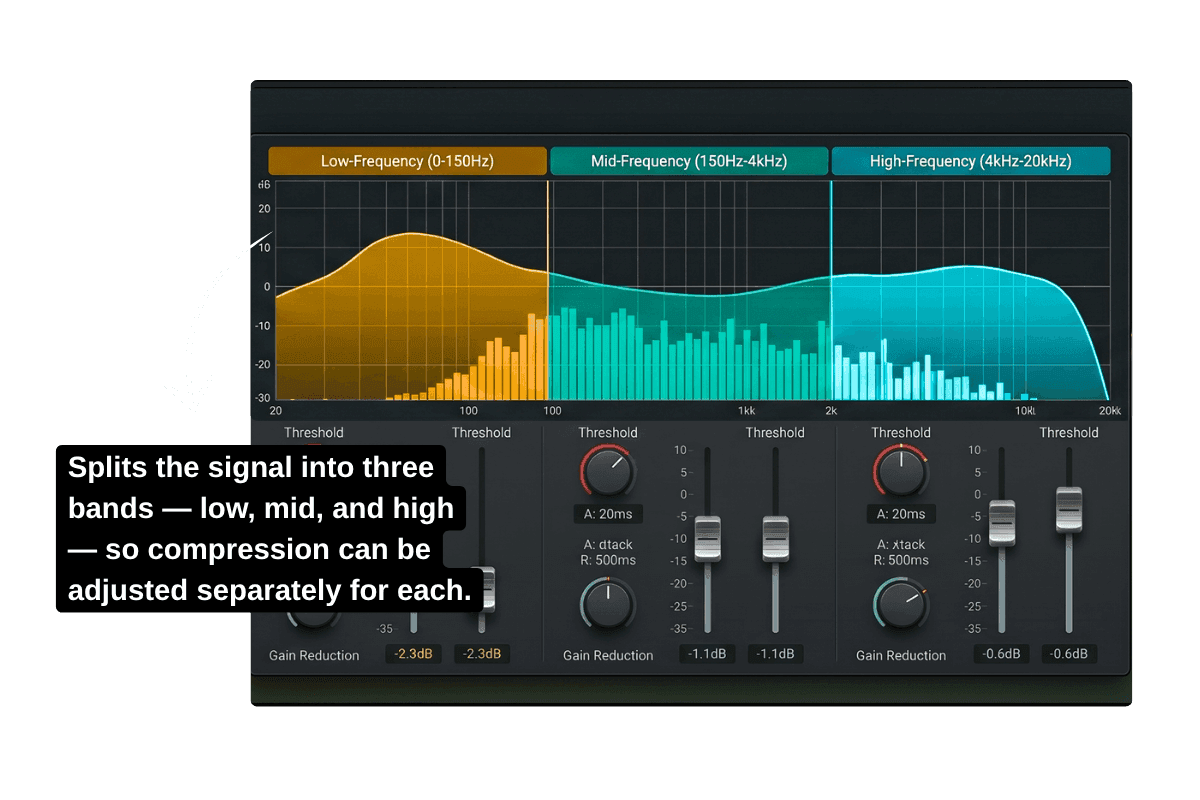
A regular compressor works like one big volume hand that pushes down the whole song whenever things get too loud. It treats every frequency the same way — fine most of the time, but clumsy when only one part of the sound is acting up.
Multiband splits the signal into separate frequency zones, usually low, mid, and high, and gives each one its own volume hand. The low end can be settled without touching the highs. The harsh midrange can be calmed without dulling everything around it. You're treating each part of the sound on its own terms.
When You Actually Need It
Multiband is at its best when one part of your track behaves differently from the rest. The real-world moments where it earns its place:
- Boomy bass notes that jump out because of the room or the instrument, while the rest of the low end sits fine.
- Vocals that turn harsh in the 2–4 kHz range only when the singer pushes hard.
- Cymbals that sting on big drum hits without the rest of the kit needing to be touched.
- Low-mid build-up around 200–400 Hz that makes the chorus feel muddy while the verse stays clear.
- Sibilance on vocals or hi-hats that a smart high band can handle like a de-esser.
If none of these match what you're hearing, regular compression and EQ will probably handle the job.
How Many Bands?
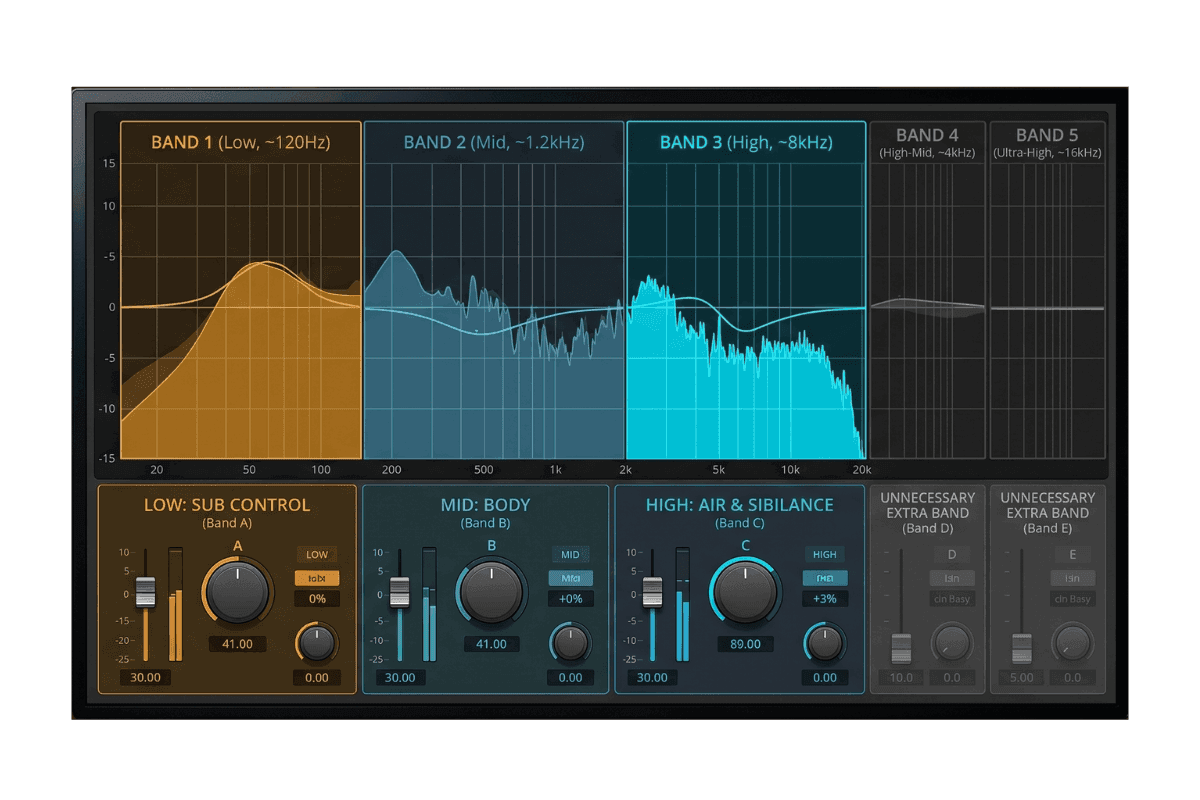
For most situations, three bands is the sweet spot — low for sub control, mid for body, high for air and sibilance. Some tracks genuinely need four or five, but only add a band when you can hear a specific reason for it. A clean three-band setup almost always sounds better than a five-band setup where two bands are barely moving.
Settings That Just Work
These are starting points, not rules — listen and adjust from here.
| Source | Crossovers | Attack | Reduction |
|---|---|---|---|
| Vocals | 200 Hz / 5–8 kHz | 10–20 ms (mid band) | 2–4 dB |
| Bass | ~120 Hz | 20–30 ms | 2–3 dB |
| Drum bus | Three-band split | Slow (preserve transients) | 1–3 dB per band |
| Full mix | Two or three bands | Slow | 1–2 dB max |
A quick note on vocals: keep the high-band crossover at 6–8 kHz, where actual sibilance lives. Pushing it down to 4 kHz drags presence and clarity into the high band and dulls the voice every time it kicks in.
For bass, slow attacks preserve the pluck. Fast attacks have their place on pure sub control in electronic productions, but on a played bass they flatten the transient that gives the part its character.
A reliable mix-bus test: bypass the plugin every few minutes. If you don't immediately miss what it was doing, you've gone too far.
The Catch That Keeps Pros Wary
Every multiband compressor splits the signal at crossover points, and most introduce a small amount of phase shift around those splits. On a single vocal, it's usually subtle. On a full mix or busy drum bus, phase shift smears transients and softens punch in ways that are easy to miss in the moment but obvious on a second listen. Linear-phase modes solve this but trade it for pre-ringing — its own kind of problem.
This is why dynamic EQ has quietly become the go-to surgical tool for many modern engineers. It does much of what multiband promises, reacting only when a problem frequency crosses a threshold, but works in a narrower, more transparent way. For pinpoint problems like a single boomy note or a harsh 3 kHz resonance, dynamic EQ often sounds cleaner. Multiband still wins when you need broad control over an entire frequency zone.
Mistakes That Wreck a Mix
- Reaching for it without a clear problem in mind. If you can't name what you're fixing, the mix doesn't need it yet.
- Adding bands by default. Four or five bands have their moments, but starting there usually makes things worse.
- Crushing the bass band. Heavy low-end compression kills the punch and weight that makes a track feel powerful.
- Trusting presets on the mix bus. Presets are guesses about a song they've never heard.
- Squashing harsh frequencies instead of finding the source. A harsh vocal might be a mic, a room, or an EQ issue — multiband often hides it without fixing it.
Why AI Mastering Handles This for You
Multiband is just one decision in a long chain of judgment calls that shape a finished record. The same "does this even need it, and if so how much" thinking runs through every stage — EQ moves, compression timing, stereo decisions, and the broader tonal balance that mastering pulls together at the end.
Most multiband work happens during mixing. By the time a track reaches mastering, the bigger questions are about tonal balance across the full song, dynamics, stereo width, loudness, and how the track sits next to the references in your playlist.
This is where Remasterify quietly takes the load off. It listens to your track first, figures out what the song actually needs, and shapes a mastering chain around it instead of running a preset built for a different track. If your mix is already balanced, it stays light. If something needs nudging — a softer top end, a tighter low end, more weight in the body — it handles that without flattening the energy that made the mix feel exciting.
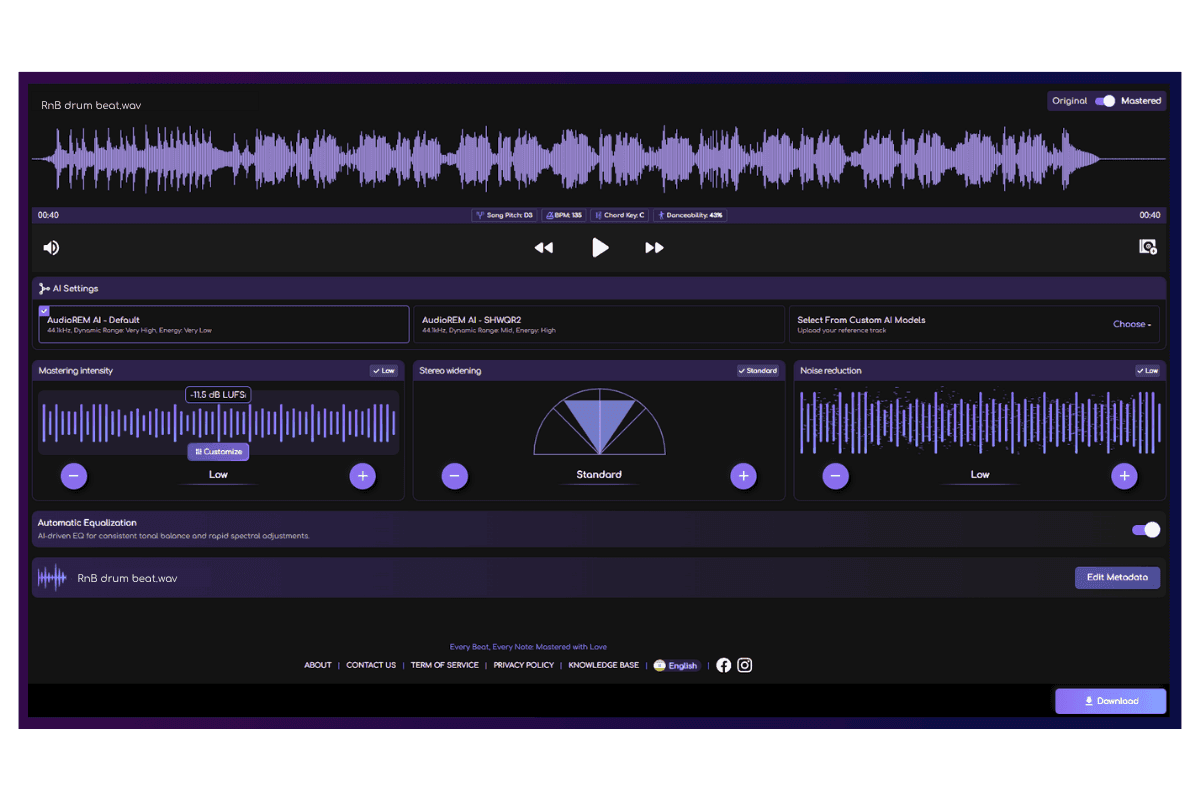
You still keep the controls you care about: mastering intensity, stereo width, noise reduction, reference matching, and manual EQ. The technical decisions get handled in the background. The creative ones stay with you.
Frequently Asked Questions
How do you know when to use multiband compression?
Reach for it when one frequency zone is behaving differently from the rest of the track — a few bass notes that ring louder, vocals that turn harsh only in loud sections, or cymbals that sting on big hits. If the whole track needs even taming, regular compression or EQ will get you there with less complication.
What is multiband compression?
A process that splits a sound into separate frequency zones — usually low, mid, and high — and applies independent compression to each. Instead of squashing the whole track when one part gets loud, it lets you settle a boomy low end without touching the highs, or calm a harsh midrange while leaving the bass and air alone.
Is multiband compression good for mastering?
Only when the mix calls for it. A well-balanced mix usually responds better to regular compression and careful EQ. When mastering does need multiband, the rule is restraint: two or three bands, slow timing, and no more than one to two dB of reduction per band.
What is a good multiband compressor?
A good one gives clear visual feedback on each band, smooth crossover controls, and a linear-phase mode option. FabFilter Pro-MB, Waves C6, and stock DAW multibands all cover the basics well. What matters more than the plugin is whether you can hear what each band is doing and stop when its job is done.