
The tools are finally good enough. The workflow is what most people still get wrong — so here it is, end to end.
How to Make Release-Ready Music with AI in 2026 (Tools Included)
A few years ago, making a song meant booking studio time, hiring session players, and praying your mix held up on car speakers. Today, you can write, produce, and master a full track from your laptop in a single afternoon, and most listeners will not be able to tell the difference. A 2025 study commissioned by Deezer and conducted by Ipsos with 9,000 participants across 8 countries found that 97% of listeners could not reliably distinguish AI-generated tracks from human-made music in blind listening tests.
That is the headline. The quieter story is that "releasing" and "release-ready" are two very different things. Generating a song takes minutes. Making one that sounds finished next to commercial releases on Spotify takes a workflow. Here is the one that actually works, broken into six steps you can follow today.
Step 1: Ideate before you touch any tool
Most AI music sounds generic because people skip this step and jump straight into prompting. Before you open anything, get clear on three things: the emotion you want the listener to feel, the genre or sonic world it lives in, and the situation or story the song is about.
Write these down in plain language. "A hopeful indie-folk song about leaving a small town" gives you something to build on. "A cool song" does not. The more specific your starting point, the less you will fight the AI later to pull it toward what you actually wanted. Think of this as the only step in the process that has to come from you and nobody else.
Step 2: Write your lyrics with ChatGPT or Claude
This is where most creators are surprised. Dedicated AI music tools like Suno can generate lyrics for you, but the quality is usually better when you write them with a general-purpose model first and paste them in. ChatGPT and Claude are stronger at narrative, metaphor, and emotional consistency across verses than the lyric engines built into music generators.
Open one of them and give it your ideation notes from step one. Ask for a full lyric sheet with clearly marked sections: verse one, pre-chorus, chorus, verse two, bridge, final chorus. Specify the line count per section and the rhyme scheme you want. Read the result out loud. If a line feels clunky when you say it, it will sound clunky when sung, so rewrite it on the spot.
Keep your chorus simple and repeatable. Save your most specific imagery for the verses. This is the same craft principle real songwriters have used for decades, and the AI follows it well if you ask.
Step 3: Write a prompt that matches the song in your head
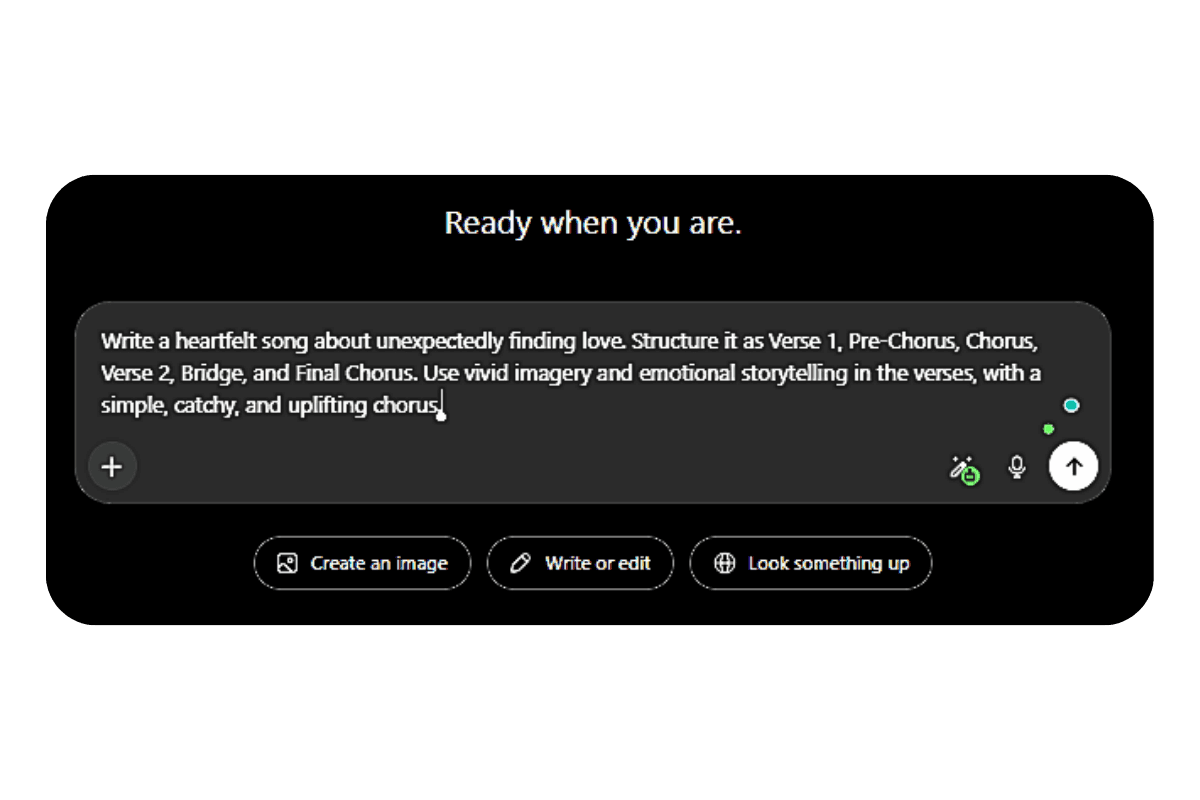
This is where Suno, Udio, and similar tools come in. Before you paste your lyrics, you need a style prompt that tells the AI what the song should sound like. According to a widely referenced Suno prompt guide on Medium, the model weights the early words of your prompt the most, so the first thing in your style description should be the genre or subgenre.
A useful prompt formula looks like this: primary genre, two or three sonic descriptors, vocal style, and one mood word. For example: "indie folk, fingerpicked acoustic guitar, warm room reverb, soft male vocals with raspy texture, melancholic." Keep it to roughly four to seven descriptors. Stacking too many adjectives confuses the model and pulls the output toward something muddy and average.
If you want a specific tempo, name it. If you want a specific song structure, write the section labels into your lyrics so the AI follows them.
Step 4: Generate in Suno (and regenerate without guilt)
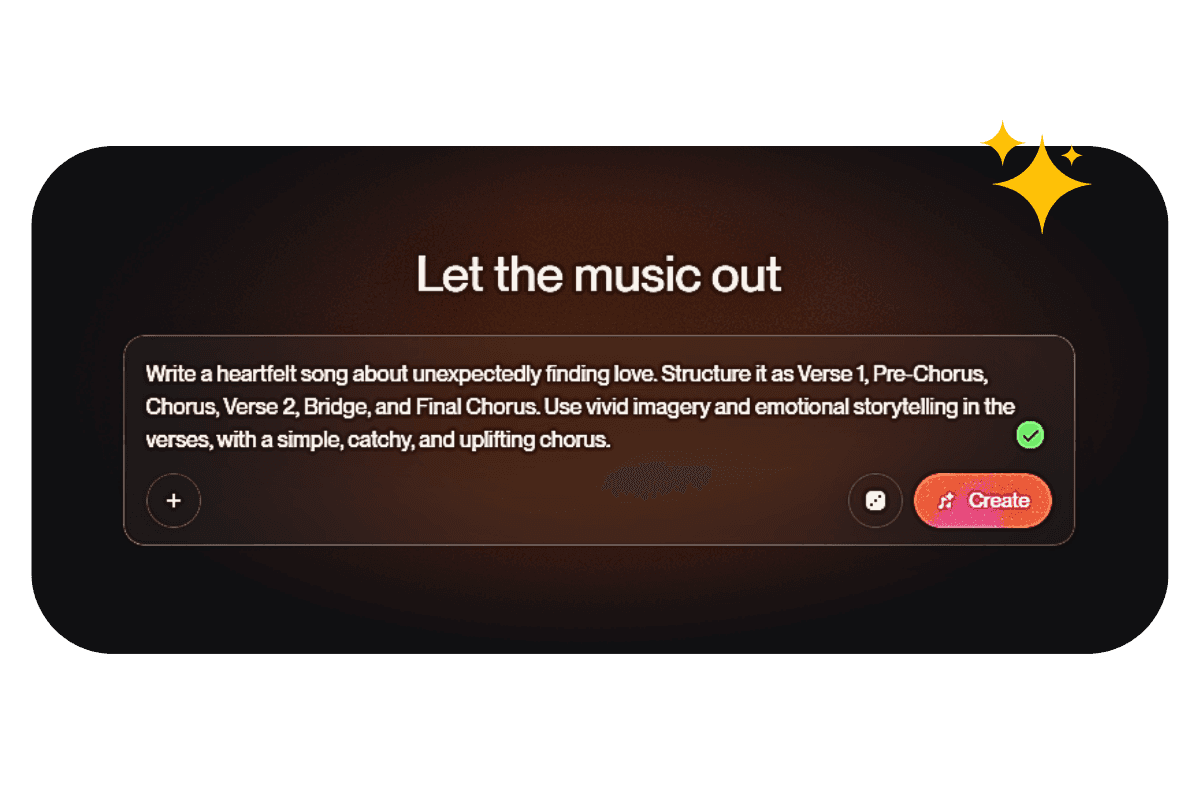
Paste your lyrics into Suno's custom mode, drop in your style prompt, and generate. You will get two versions per credit. Listen to both with headphones, then make a call: does this capture what you wrote down in step one?
If the answer is no, do not try to fix it by adding more words to your prompt. Regenerate with small, targeted changes instead. Swap one descriptor at a time. Change "warm" to "bright" or shift the vocal from male to female. Sometimes the fastest fix is to keep the prompt and just generate again, because the model produces different interpretations of the same input every time.
For context on how much creators are leaning on this approach, Deezer reported in April 2026 that around 75,000 fully AI-generated tracks are uploaded to its platform every day, accounting for 44% of all new uploads. The volume is enormous, which is exactly why finishing matters so much in the next step.
Here's a track generated with the exact prompt formula from Step 3. Press play and hear how close Suno gets when the brief is tight.
Step 5: Master your track with Remasterify
Here is where most AI music projects fall apart. The track Suno hands you is a mix, not a master. If you upload it straight to Spotify, it will sound noticeably quieter and thinner than the songs around it in any playlist. The low end will feel hollow. The vocals will sit slightly off from where they should be. None of this is because Suno did a bad job. It is just that mastering is a separate stage of audio production, and AI music generators do not handle it.
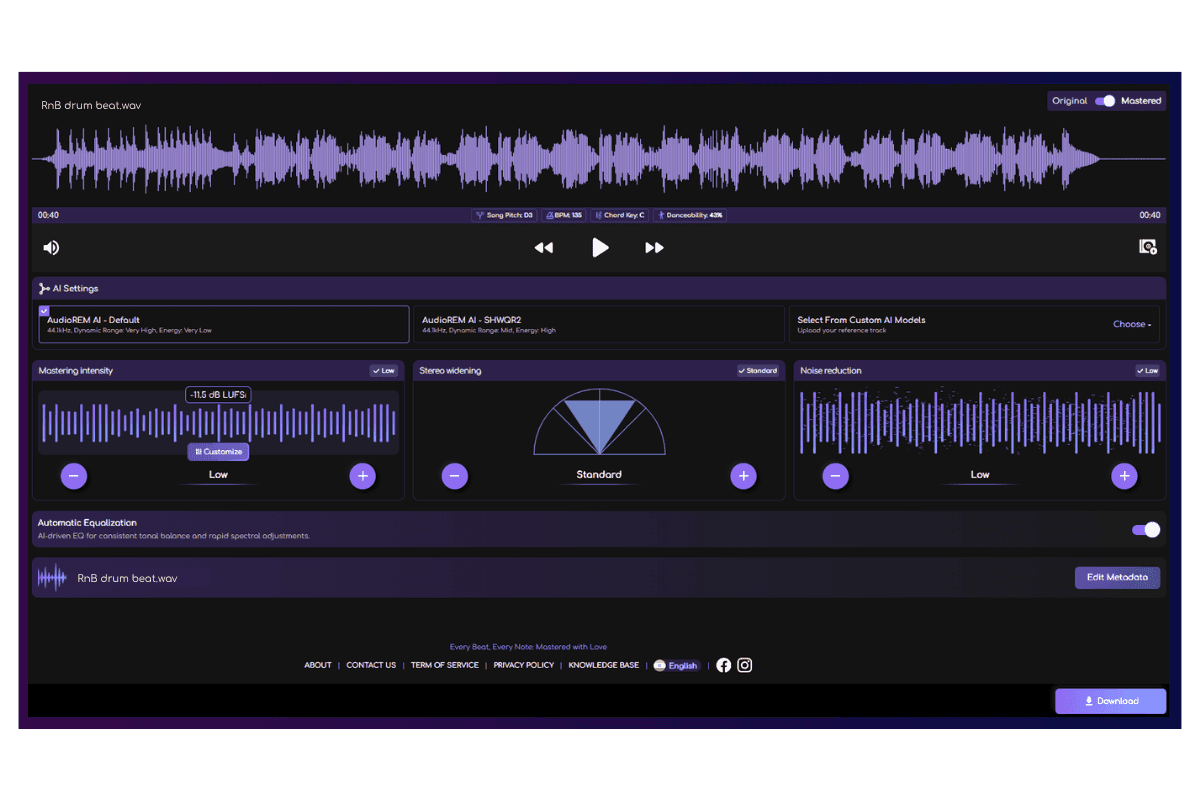
Remasterify is built for this exact moment. You download the track from Suno, upload it to Remasterify, and the platform analyzes the audio and applies mastering decisions tuned to the genre, the loudness targets of major streaming platforms, and the common tonal issues that AI-generated tracks tend to have. You get back a finished file with competitive loudness, balanced low end, and a tonal shape that holds up across phone speakers, earbuds, car audio, and studio monitors.
The process takes a few minutes. The cost is a small fraction of what a human mastering engineer charges per track, and the consistency across multiple songs is genuinely useful if you are releasing a project rather than a one-off single.
Hear the Difference:
Same song, before and after. The first is the raw Suno mix. The second is the Remasterify master. Headphones recommended — listen for the low end, the vocal, and the loudness. Hear the difference:
Original
Mastered
Step 6: Distribute and release everywhere
With a mastered file in hand, you are ready to put the song into the world. Pick a distributor such as DistroKid, TuneCore, or CD Baby, upload your final WAV, fill in the metadata, and select the platforms you want the track to appear on. Most distributors will get your song onto Spotify, Apple Music, YouTube Music, Amazon Music, Tidal, and Deezer within a few days.
One note worth knowing: Deezer now explicitly tags fully AI-generated music on its platform, and tracks identified as AI are excluded from algorithmic recommendations and editorial playlists. Spotify and Apple Music handle disclosure differently. Check your distributor's current AI disclosure policy before you upload, because the rules in this space are still moving fast.
The workflow in one sentence
Ideate clearly, write your lyrics in ChatGPT or Claude, prompt Suno carefully, regenerate without ego, master with Remasterify, and release through a distributor. Six steps, no studio, and the only thing standing between you and a track on Spotify by next week is sitting down to actually do it.
The tools are no longer the bottleneck. Your taste and your willingness to finish are now the whole game.
Frequently Asked Questions
Can I release music made with AI?
Yes, you can release AI-generated music on Spotify, Apple Music, and most other streaming platforms. Suno and Udio require a paid subscription at the time of generation to grant full commercial rights, so free-tier tracks cannot be monetized.
Most distributors now ask you to disclose AI involvement during upload, and Deezer explicitly tags fully AI-generated songs.
Is there any AI tool to make music?
Yes, several. Suno is the most popular for songs with vocals and produces complete tracks in under a minute. Udio is preferred for cleaner audio and granular production control. ElevenLabs Music, Stable Audio, and AIVA cover commercial production, sound design, and cinematic scoring. For lyrics, ChatGPT and Claude usually outperform the built-in lyric tools on music generators.
What is better, Udio or Suno?
Neither is universally better. Suno wins on vocal quality, speed, and ease of use, which makes it stronger for pop, R&B, indie, and country. Udio wins on instrumental fidelity and production control, which makes it stronger for electronic, hip-hop, and ambient work. For most creators releasing vocal tracks on streaming platforms, Suno is the more practical choice in 2026.
How do I use AI to generate music?
Start by writing down the emotion, genre, and story of your song. Draft lyrics in ChatGPT or Claude with clear sections. Build a focused style prompt that leads with the genre. Paste both into Suno or Udio and generate multiple variations. Master the final mix, then distribute it through a service like DistroKid or TuneCore.
What is the best AI music mastering tool?
Remasterify is built specifically for tracks coming out of AI music generators, which often have inconsistent loudness, hollow low end, or slight harshness in the upper mids. The platform applies mastering decisions tuned to your genre and to streaming loudness standards, then returns a finished file in minutes. Tools like LANDR and CloudBounce also exist, but they were designed for traditionally recorded music rather than for the specific artifacts of AI-generated tracks.