
Strong visuals may earn the click, but clear audio helps earn trust. That’s where many otherwise good videos fall short.
How to Improve Video Audio Quality? (Without Re-Recording)
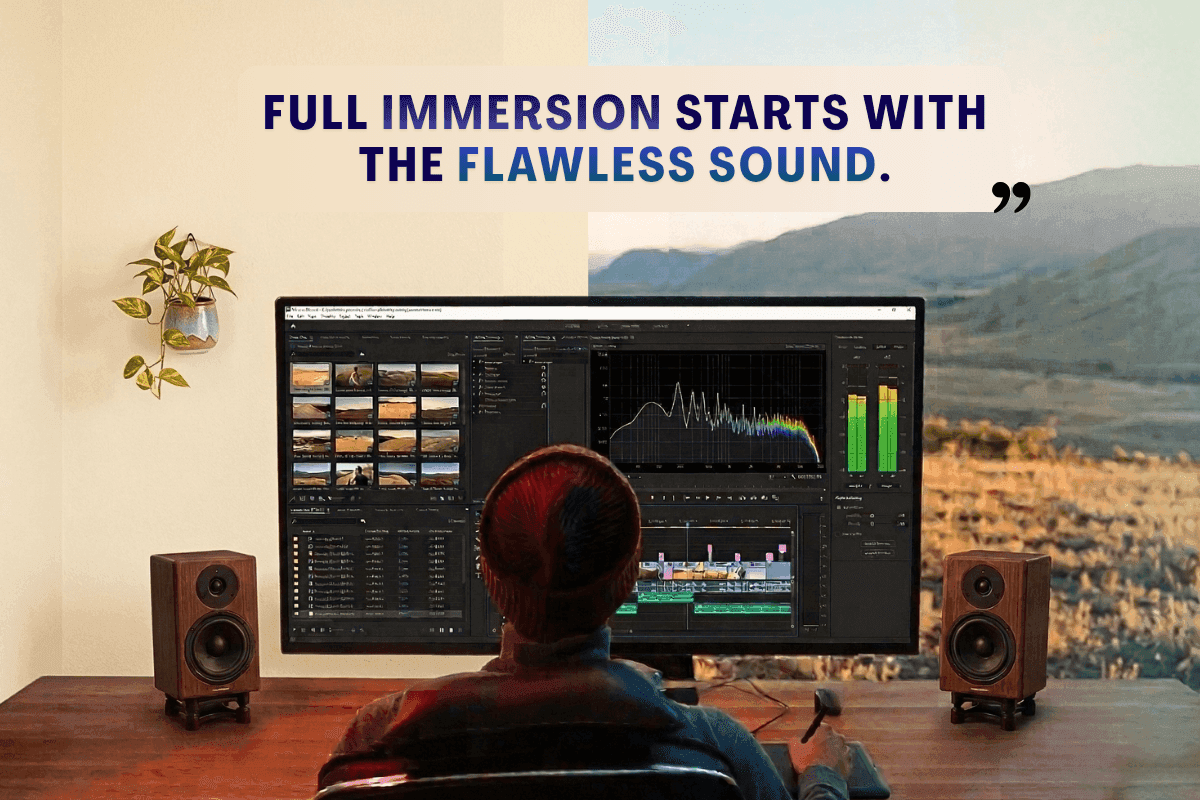
Research from the University of Southern California suggests that people trust content more when the audio sounds clear. That means even if your content is great, poor audio can make it feel less trustworthy.
What Viewers Notice in Video Content
Think about the last time you watched a video with rough audio. Did you stay until the end? Probably not.
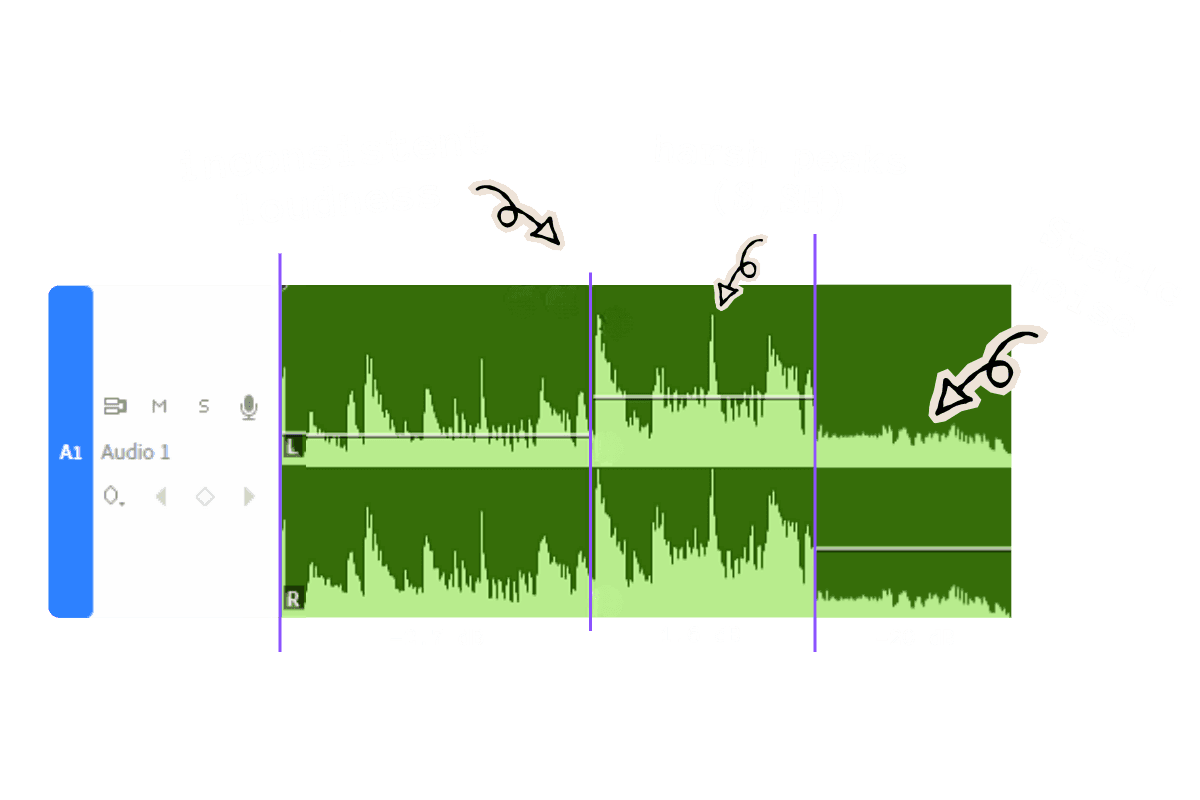
It usually comes down to one of these four things:
Uneven loudness - The volume levels keep changing throughout the video. Viewers are constantly adjusting and trying to keep up.
Sharp, harsh S sounds - Called sibilance — that piercing sound every time a word like "success" or "system" comes up. It's physically uncomfortable to hear.
Lack of presence and clarity - The voice sounds buried. There's no clarity to it. Even at full volume, it sounds like they're talking into a pillow.
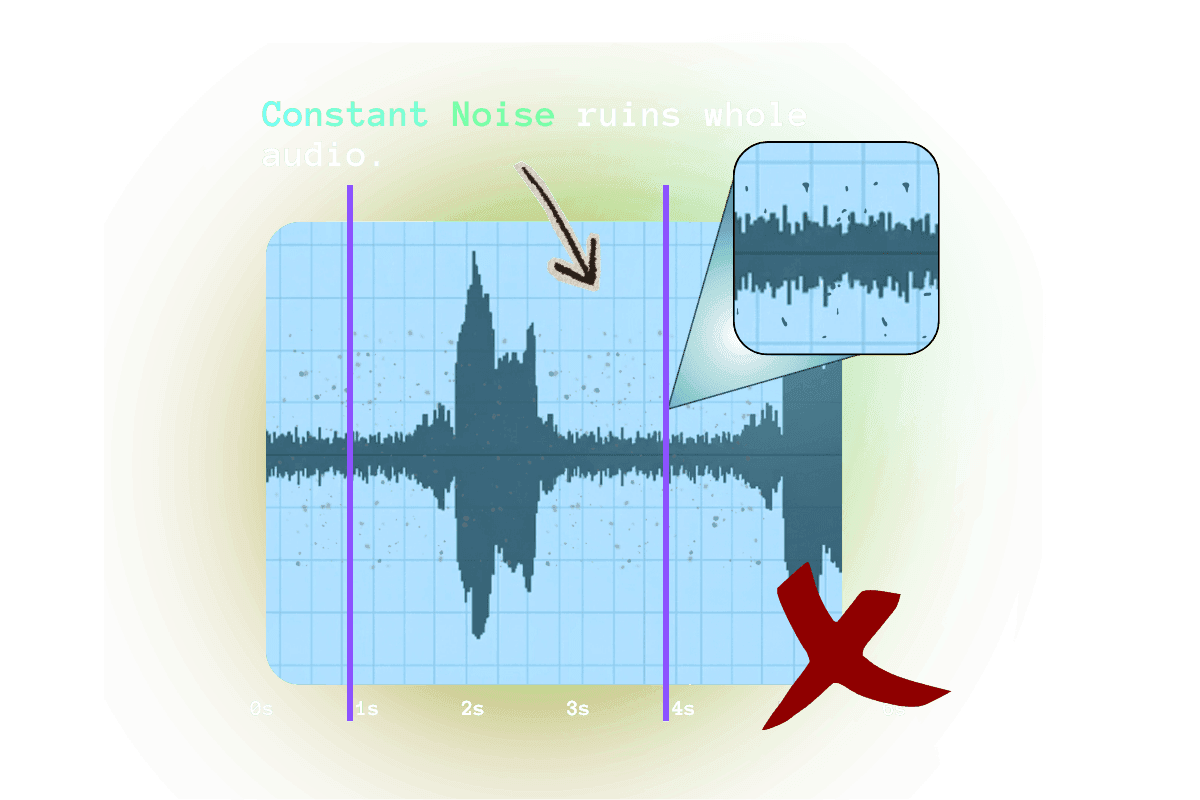
Background noise - A hum from the AC. Street traffic. A faint room echo. Background noise is the first thing that signals an amateur recording.
The Usual Advice Doesn't Work

Most advice sounds simple until you actually try to follow it.
You can open advanced tools like Adobe Audition or iZotope RX for granular control, but that comes with a steep learning curve. Free options like Audacity and GarageBand exist, but still require you to identify and fix each problem manually. The common thread: they all put the technical burden on you.
You can re-record everything in a quieter room. But that falls apart fast when the footage is old or the video involves clients, guests, interviews, or live shots you cannot recreate.
That is the real problem. Most creators know when the audio sounds off. They just do not have the time, tools, or technical skill to fix it properly.
That gap between hearing the issue and knowing how to solve it is exactly where Remasterify fits.
A Simpler Way to Fix Video Audio
What sets Remasterify apart isn’t a long feature list. It’s the fact that it works without requiring any audio knowledge. Just drop in an MP4 or MP3. Instead of spending hours manually adjusting settings, creators can use it to reduce background noise, improve vocal clarity, and make the audio sound more balanced and consistent.
One reason it stands out is its simplicity. There’s nothing to install, and you don’t need advanced editing experience to use it. It’s also a practical option for creators who want better audio without investing in expensive software.
Here is how you can polish your audio in just a few basic steps:
Step 1: You upload your MP3 or even your final MP4 file.
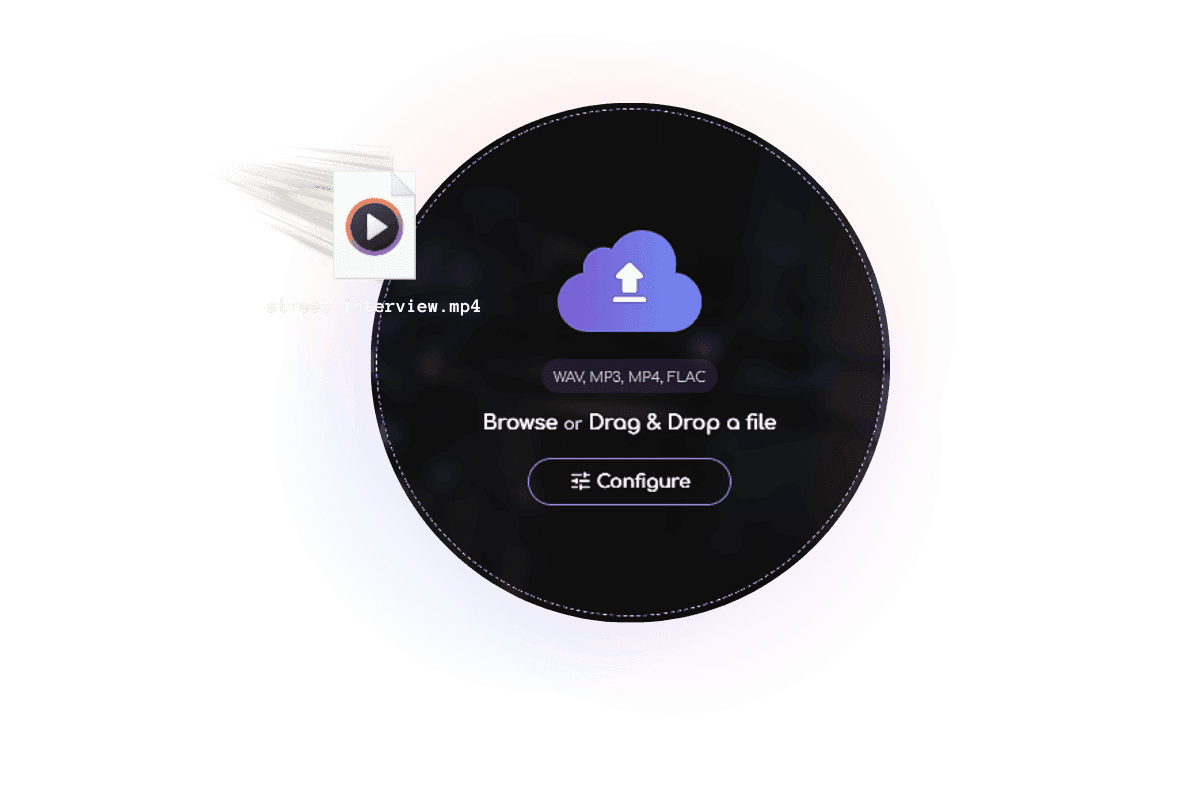
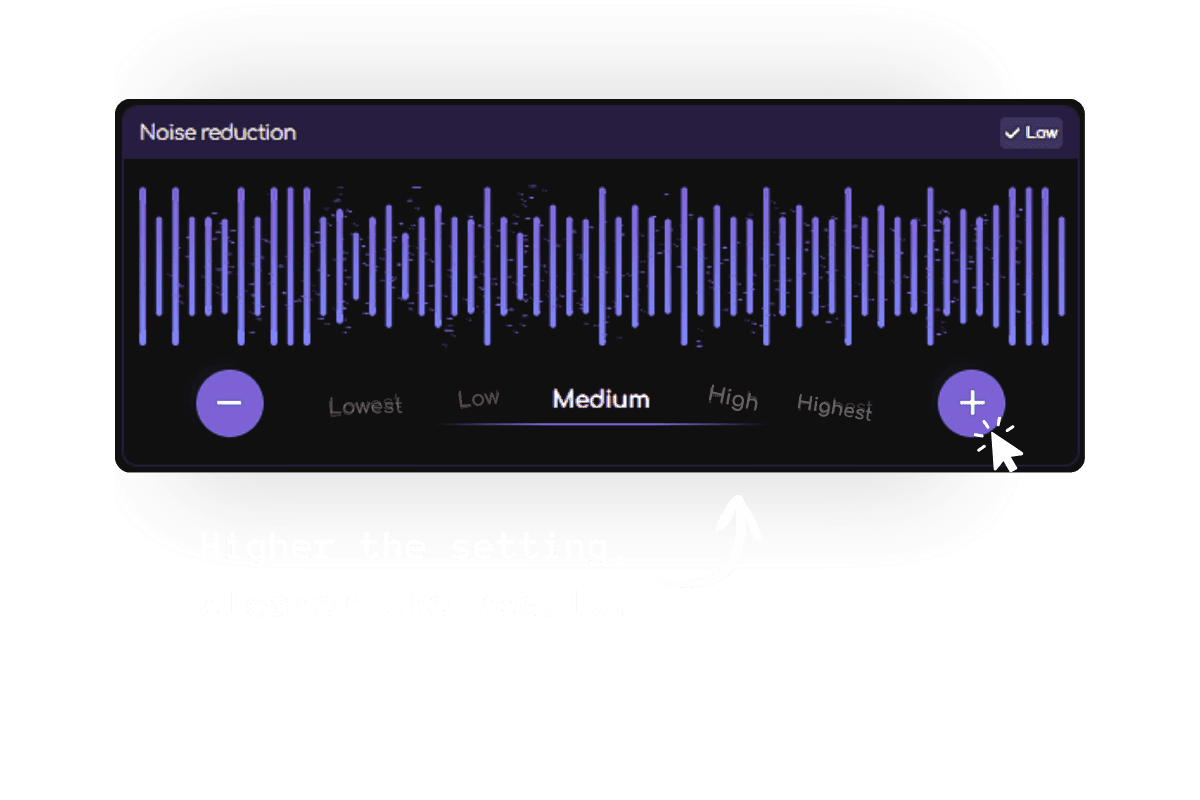
Step 2: Set the Noise Reduction to ‘High’, if you have highly noticeable background noise.
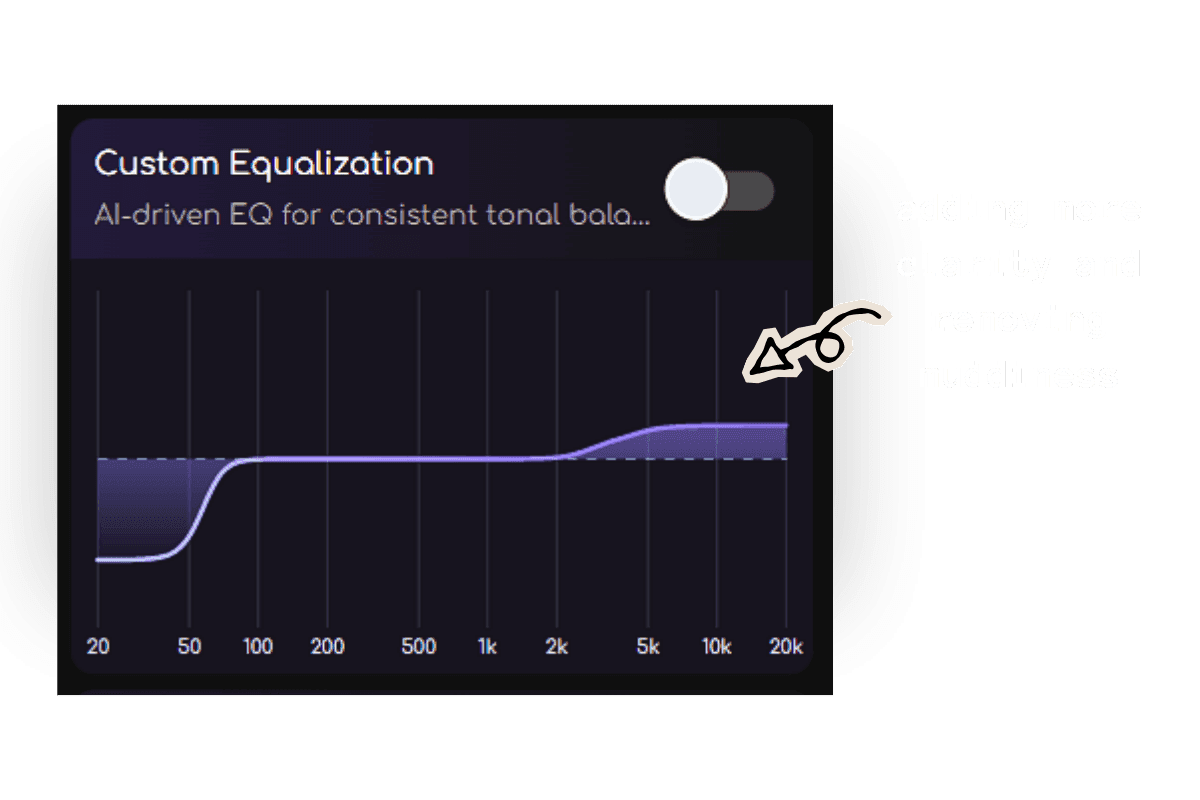
Step 3: Customize the EQ if you want to add voice clarity, remove muddiness, or or simply let the AI handle it.
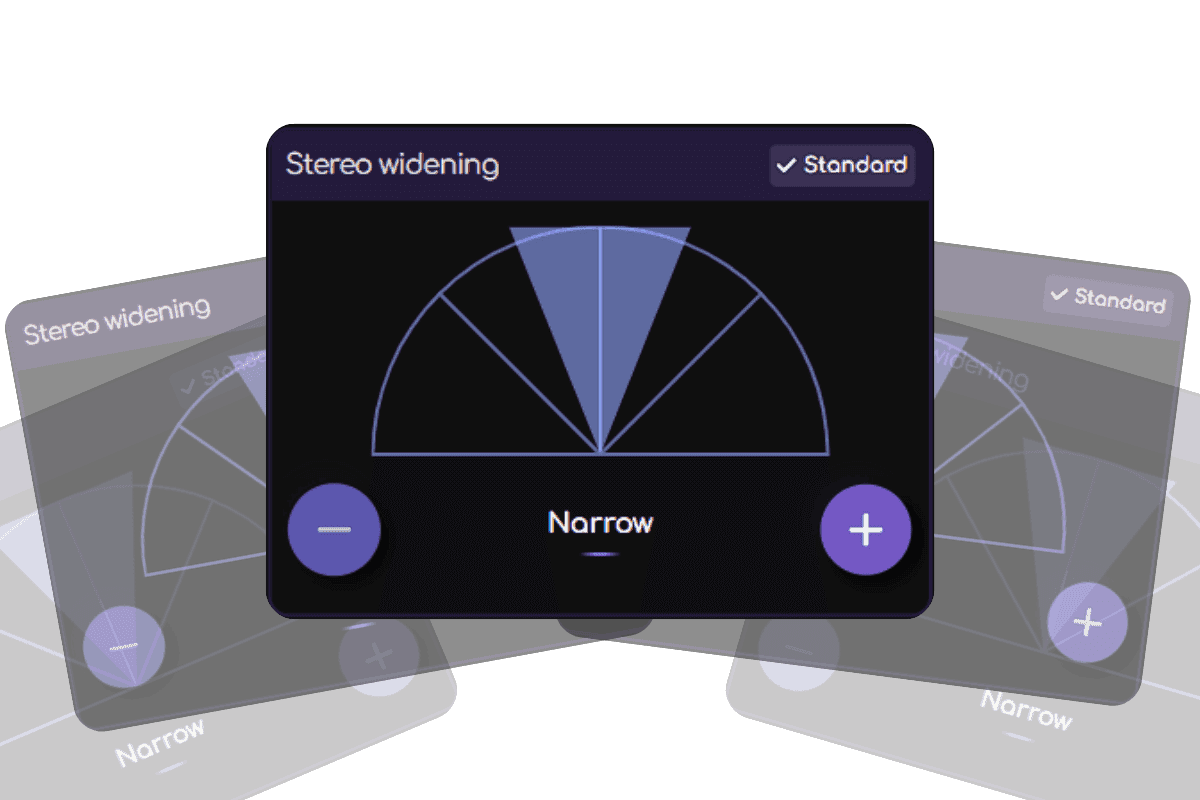
Step 4: If the voice feels too spread out, reduce Stereo Widening to keep it more focused in the center.
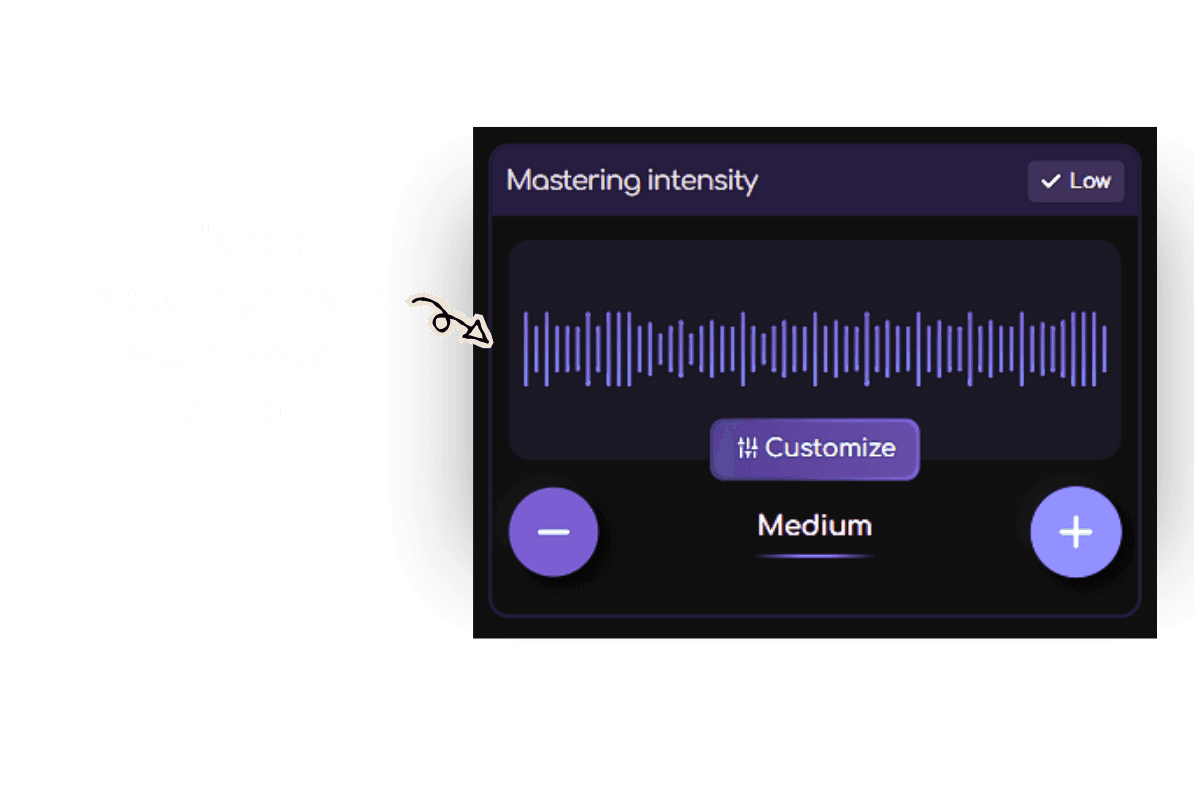
Step 5: Set the Mastering Intensity to ‘Medium’ or ‘High’ to bring the voice forward and make it sound more present in the mix.
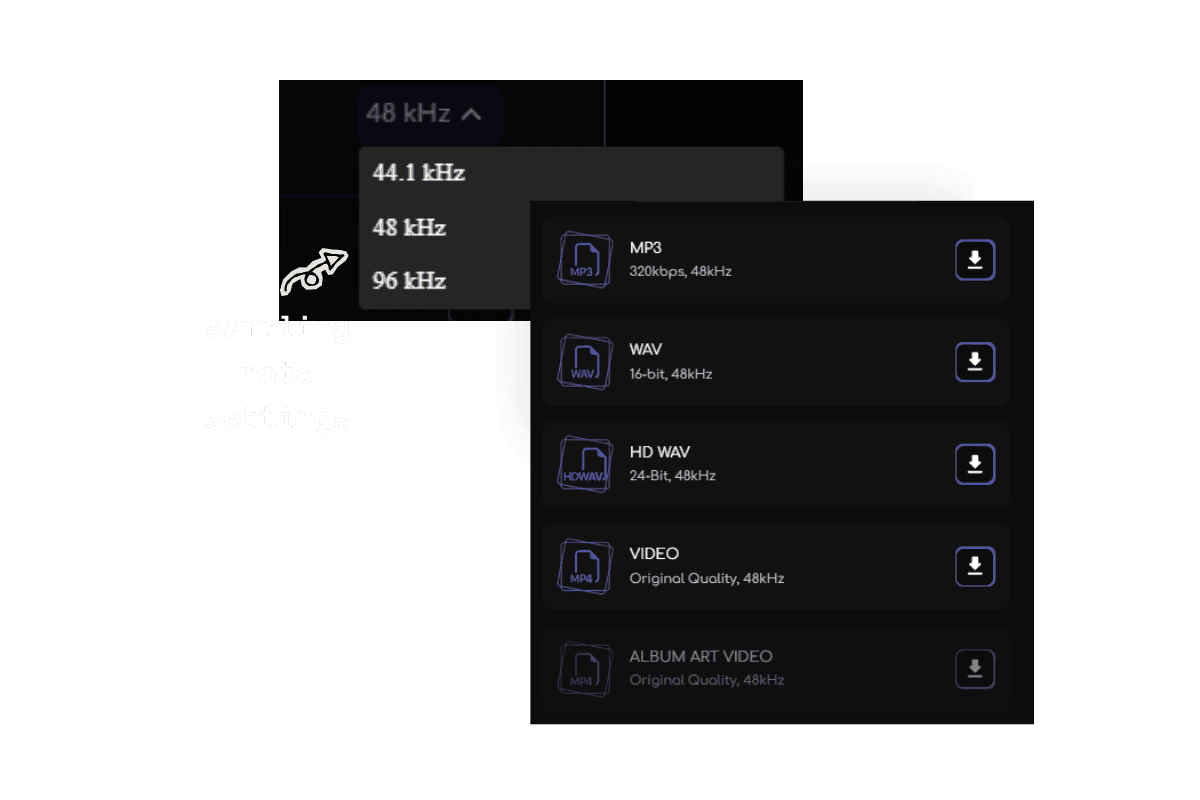
Step 6: Download the final file in high quality.
It doesn't matter if the original recording was unstable, too quiet, or full of distracting noise. Remasterify makes audio cleaning easy.
Difference That You Can Feel
Original
Mastered
Here's What Creators Are Saying

Mike K
YouTube creator (70K+ subscribers)
“ Outdoor shoot with constant wind noise — nothing I tried worked. Uploaded to Remasterify as a last resort, and it came out sounding clean. Couldn't believe it ”

Adam S
Freelance video editor
“ I was skeptical at first, but Remasterify actually worked. Made the podcast voice sound so much more polished. My client noticed before I even told them I'd done anything. ”

Venesa G
Content Creator
“ The guest's voice was barely audible. After Remasterify, everything sounded balanced and professional. Saved the whole episode. ”

Frequently Asked Questions
Can I improve the audio quality of a video that's already been recorded?
Yes. Remasterify is designed to work with existing video files, so you can improve the audio even after the video has already been recorded.
What file formats does Remasterify work with?
Remasterify works with the most common video and audio formats — including WAV, MP3, MP4 and FLAC.
Does it work on YouTube videos and other platforms?
Yes. You can use Remasterify to improve video audio quality online regardless of where the video was originally recorded or published. Just upload the file and let it run.
Do I need any audio editing experience?
None at all. Upload your video, and Remasterify handles everything automatically. No technical knowledge required.
Will improving the audio affect the video quality?
Not at all. Remasterify only processes the audio track — the video itself stays exactly as it was, at the same resolution and quality.
Is there a free version I can try?
Yes. You can improve the sound quality of your video for free — no credit card needed. Upload your video and hear what a difference it makes before committing to any plan.
Make Your Audio Sound Pro
Upload now, get clean, crisp, studio-quality sound