
Every producer wants a wide mix. But most wide mixes have a problem: they sound huge on headphones and fall apart everywhere else.
How to Build Real Stereo Width — Without Wrecking Your Mix in Mono
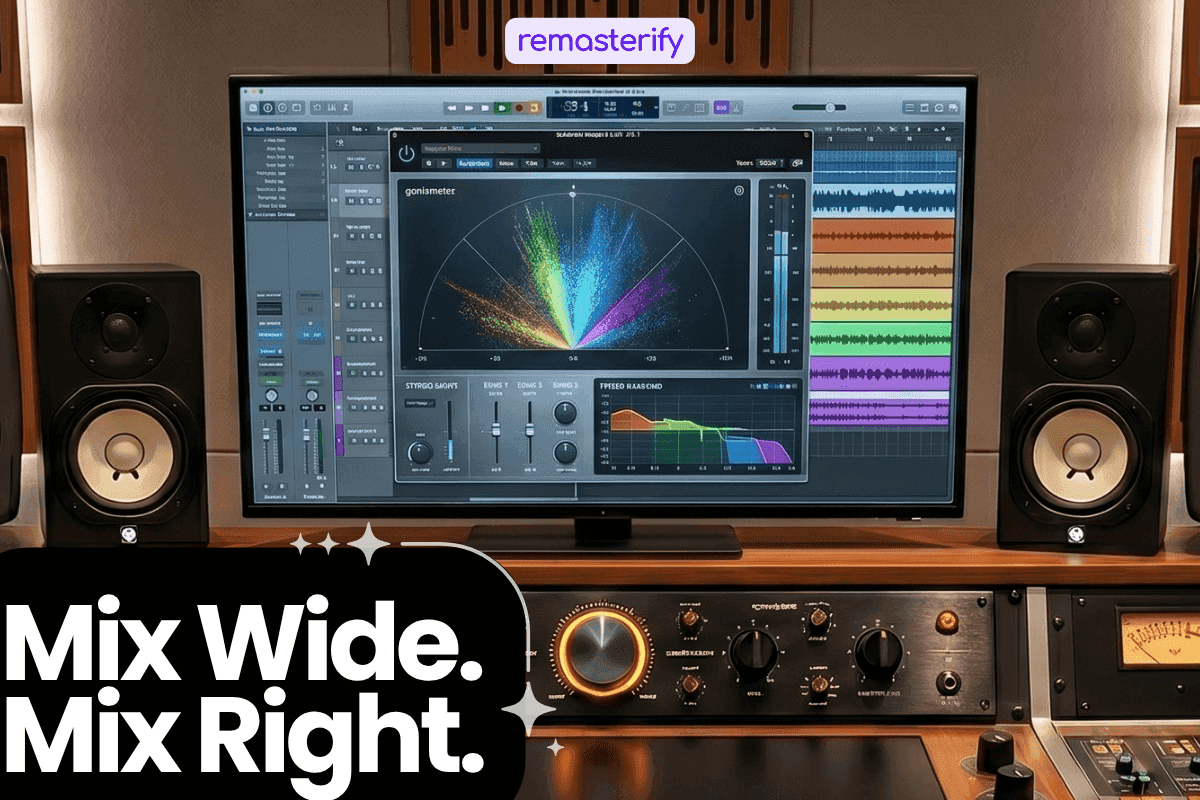
This guide breaks down what stereo width actually is, why it is so easy to overdo, and how to build it the right way, starting from your arrangement, not your plugins. We will also cover the tools worth using, the ones to be careful with, and the single test that tells you whether your width is real or just an illusion.
What Stereo Width Actually Is

Stereo width is simply how much of the left-right space your mix fills. A narrow mix stays close to the centre while a wide mix spreads across the full space between your ears, giving each element its own place to live. That sense of space is what makes a mix feel professional, immersive, and alive. When done well, the listener never notices the width consciously. They just feel like the music is all around them.
Read more to know about why stereo imaging is important.
Why It Is Easy to Get Wrong
Wide mixes sound incredible on headphones, which is exactly where the trouble begins, since most producers mix on headphones. The left channel feeds only your left ear and the right feeds only your right, creating an extreme sense of separation that speakers cannot replicate. Every element feels like it has its own space, making it easy to keep pushing the width further because the headphones keep rewarding you for it.
The moment that same mix plays through car speakers, a laptop, or a Bluetooth speaker, the illusion falls apart. Those systems blend both channels in the air, so the exaggerated width has nowhere to go and parts of the signal cancel each other out. The mix suddenly sounds hollow, and supporting instruments thin out or disappear entirely.
This matters more than it might seem, because the listening landscape outside your studio is overwhelmingly mono or near-mono:
- Nearly 35% of Americans own a smart speaker, according to Edison Research’s Smart Audio Report 2022, and most of those speakers are mono.
- Phones, laptops, and built-in TV speakers usually play in mono or collapse stereo into a near-mono image.
- Club sound systems, restaurants, and most public spaces sum to mono before the audience ever hears the track.
The problem is not in wanting width, but in building width that only works in one listening environment.
How Wide Is Too Wide?
The simplest answer is that your mix is too wide the moment it stops working in mono.
Every DAW has a mono button, and pressing it is the single most honest test you can run. If the track still sounds balanced, full, and powerful with everything collapsed to a single channel, the width was built correctly. If not, the width was quietly papering over a structural problem rather than enhancing a solid mix.
Watch for these warning signs when you flip to mono:
- The kick suddenly feels thin or loses its punch.
- The lead vocal drops in volume or sits further back than it should.
- The low end loses weight and the mix sounds smaller overall.
- Elements disappear or shift forward in ways that change the balance.
- The track only sounds good on headphones, and loses energy on a phone, laptop, or Bluetooth speaker.
A useful way to think about it is that width should enhance the song rather than carry it. If the mix only works on headphones, the width is doing too much, and the answer is usually not to keep adding more width but to strengthen the foundation underneath. Start your next mix in mono, build separation through EQ and balance first, and only spread elements across the stereo field once the core already feels strong. Listening on multiple devices is the other half of this test, because car speakers, phone speakers, and a cheap Bluetooth speaker will each reveal something your studio monitors are politely hiding from you.
,Many engineers believe a mix should hold together when summed to mono, as this helps ensure strong balance and compatibility across playback systems.
The goal is never the widest mix possible, but a mix where the width serves the song, holds together everywhere, and sounds like a decision rather than an accident.
How Width Is Actually Built
Real stereo width starts long before you open a plugin. The most reliable widening tools are decisions you make during writing, recording, and balancing:
- Arrangement — a verse with two instruments and a chorus with eight will feel wider simply from the added density. More elements naturally spread across the stereo field.
- Panning — two similar parts will fight in the centre. Push one left and the other right, and the mix immediately opens up.
- Double-tracking — record a part twice and pan the takes hard left and right. The natural differences in timing and pitch create a width no plugin can replicate.
- Spatial effects — a short reverb send on a snare adds stereo information without obvious wash. Early reflections can widen a sound on their own.
- Time-based contrast — keep verses narrower, then open the chorus wider. That shift gives the listener a physical sense of release when the song lifts.
- Bass in mono — frequencies below around 100 Hz are non-directional, so widening them only creates phase problems and weakens the low end.
The wider the sides feel, the stronger the centre needs to be — width is perceived through contrast, and if everything is wide, nothing feels wide. Keep kick, snare, bass, and lead vocal centred, and use mid-side EQ to process the sides separately. Cutting low frequencies from the side channel is a simple, effective move: it tightens the low end while leaving the highs airy and open.
Widening plugins are not the enemy; misusing them is. A few rules keep them honest:
- Skip the master bus widener — stretching width across the whole mix weakens the centre, causes phase issues, and tends to collapse in mono.
- Use an aux bus instead — send only the elements that benefit, like pads, backing vocals, and atmospheric layers. Leave kick, bass, and lead vocal dry and centred.
- Be careful with the Haas effect — delaying one channel by 5 to 40 ms creates perceived width, but in mono the delayed signal cancels and sounds thin. Use sparingly and always check in mono.
One More Step Before You Publish
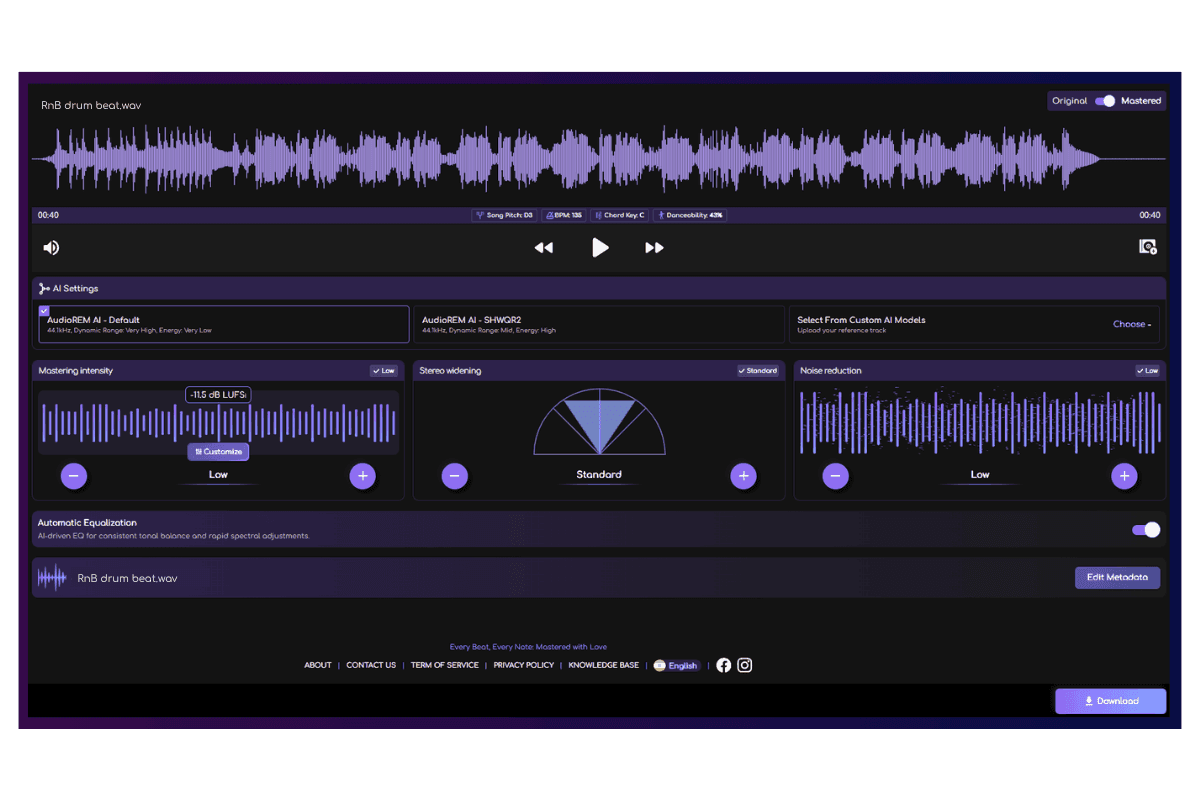
You have done the work, the mix is balanced, the width is intentional, and the centre is solid, which brings you to mastering — the stage where everything gets locked in for distribution.
Remasterify is an online AI mastering tool that handles this step thoughtfully. It analyses your track's energy, BPM, danceability, and other characteristics, then builds a personalised mastering chain for your specific song rather than applying the same treatment to everything. What you get:
- A personalised mastering chain — tailored to your track’s actual sonic profile, not a one-size-fits-all preset.
- Full manual control — adjust mastering style, stereo widening, intensity, and noise reduction, or switch to manual EQ sliders if you want to handle the frequency balance yourself.
- Streaming-ready output — Spotify normalizes playback to -14 LUFS integrated. Remasterify's export options include that target, so the dynamics you mastered are the dynamics listeners actually hear.
- Reference mastering — upload a song you admire and master your track toward that benchmark, so the final result sits next to your favourite releases.
If you have spent time building your width carefully, Remasterify helps make sure that work survives the mastering stage and translates everywhere.
Frequently Asked Questions
What is stereo width in music?
Stereo width is the sense of space you hear between the left and right channels of a mix. When both channels carry the same signal, a sound feels centred and narrow. When they carry different information, the sound spreads outward and feels wider. The greater the difference between the two channels, the wider the mix feels.
Is stereo width the same as panning?
Not exactly. Panning is one tool that creates stereo width. It places sounds at specific points across the left and right channels. But width also comes from reverb, delay, double-tracking, modulation effects, and mid-side processing. Panning gives you placement. Width is the overall sense of space that all those tools create together.
How to enhance stereo width?
Start with your arrangement. Pan supporting elements to the sides, double-track guitars and vocals, and use short reverb sends to add spread. For more control, try mid-side EQ to open up the high frequencies on the sides. If you use a widening plugin, apply it to specific elements on an aux bus rather than across the whole mix.
How wide is too wide?
When your mix loses power in mono, it is too wide. If the kick feels thin, the vocal disappears, or the low end sounds weak when you press the mono button, you have pushed it too far. A good rule is that width should enhance the mix, not carry it. If the song only sounds good on headphones, the width is doing too much.