
Spoiler: there's no "best" one — only the one that gets out of your way. Find yours in the next five minutes, then go finish a song.
Which DAW Should You Actually Use in 2026?
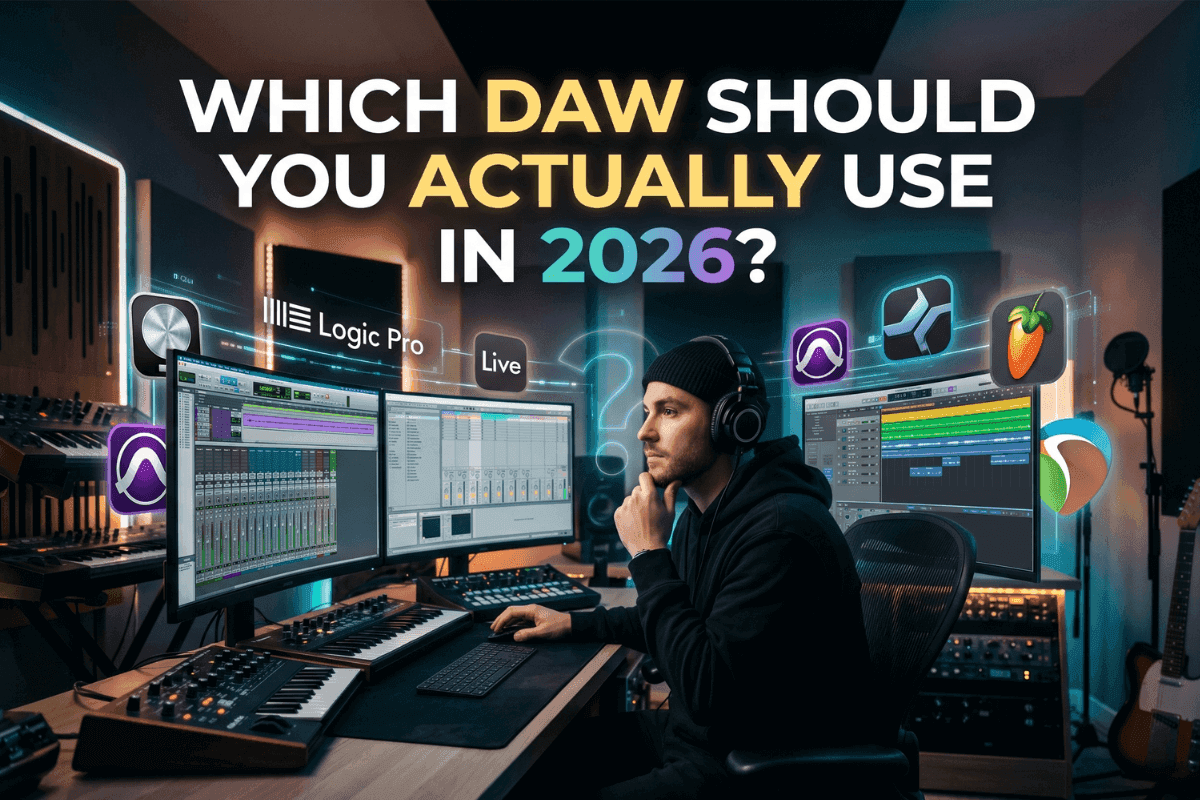
You've been here before: 40 tabs open, six half-watched YouTube reviews, three Reddit threads contradicting each other. Everyone has a favorite. Nobody agrees. And the longer you hunt for the "best" DAW, the less time you spend actually making music.
The truth professional producers won't dramatize: every modern DAW can produce a hit record. Audio quality is essentially identical. What differs is workflow — and workflow is personal.
The right DAW isn't the most expensive or the most popular. It's the one that gets out of your way. This guide matches you to the right tool in under five minutes.
The 60-Second Match Guide
| If you're a... | Start with... |
|---|---|
| Total beginner on Mac or iOS | GarageBand (free) |
| Beatmaker, hip-hop or EDM producer | FL Studio |
| Electronic producer or live performer | Ableton Live |
| Mac songwriter recording vocals/instruments | Logic Pro |
| Collaborator, content creator, or Chromebook user | BandLab (free) |
1. GarageBand
| Attribute | Value |
|---|---|
| Price | Free |
| Platform | Apple devices |
| Best for | Absolute beginners |
| Skill level | Beginner |
You'll love this if you've never opened a DAW before, you own Apple hardware, and you want to make a song today without watching a 90-minute tutorial first.
GarageBand is Apple's gift to beginners. The interface is genuinely friendly — drag a loop, hit record, you're producing. The sound library is surprisingly deep, and because GarageBand projects can be opened and expanded in Logic Pro when you're ready to upgrade.
The catch: Apple device-only, and you might outgrow it once you start mixing seriously.
2. FL Studio

| Attribute | Value |
|---|---|
| Price | $99 – $499 (one-time) |
| Platform | Windows, Mac |
| Best for | Beats, EDM, hip-hop |
| Skill level | Beginner to Pro |
You'll love this if you make beats, produce hip-hop or EDM, or want a DAW where ideas turn into songs fast.
FL Studio's pattern-based workflow is why it dominates beat-making online forums. The step sequencer makes drum programming faster than almost any competitor, and the piano roll is the industry's gold standard. Best of all, Image-Line offers lifetime free updates — pay once, own every future version forever. That alone makes it the best long-term value in the DAW world.
The catch: recording live bands and vocals isn't its strongest area.
3. Ableton Live
| Attribute | Value |
|---|---|
| Price | $99 – $749 |
| Platform | Windows, Mac |
| Best for | Electronic, sampling, live |
| Skill level | Intermediate to Pro |
You'll love this if you make electronic music, sample heavily, perform live, or think in loops rather than linear timelines.
Ableton's Session View is a creative cheat code — clips you can trigger, rearrange, and improvise with in real time. It's why nearly every touring electronic act runs Ableton on stage. The stock instruments (Wavetable, Operator, Drum Rack) are genuinely pro-grade, and the sampling workflow is unmatched anywhere else.
The catch: the interface can feel abstract if you're coming from a traditional recording background.
4. Logic Pro
| Attribute | Value |
|---|---|
| Price | $199 (one-time) |
| Platform | Mac and iPad |
| Best for | Songwriters, vocalists, all-rounders |
| Skill level | Beginner to Pro |
You'll love this if you're on a Mac, you write songs, you record vocals and instruments, and you want the best value per dollar in the entire DAW market.
On the Mac, $199 buys it outright — no subscription — and gives you a stunning sound library, world-class stock plugins, drummer tracks, vintage synth emulations, and arguably the most polished interface in music software. (On iPad and iPhone it's now subscription-only, folded into Apple Creator Studio from $12.99/month.) It's the natural step up from GarageBand and the daily driver for countless professional songwriters.
The catch: Apple-only — there's no Windows version, so this one's off the table on a PC.
5. BandLab
| Attribute | Value |
|---|---|
| Price | Free, forever |
| Platform | Browser, iOS, Android |
| Best for | Collaboration, content creators |
| Skill level | Beginner to Intermediate |
You'll love this if you collaborate remotely, produce on a Chromebook, create content that needs quick audio, or just don't want to install anything.
BandLab runs entirely in your browser and on mobile, and it's completely free — no upsells, no premium tier hiding the good features. The collaboration tools are quietly impressive: invite anyone in the world to jump into your project. For podcasters, YouTubers, and creators who need audio fast, it's a sleeper powerhouse.
The catch: pro producers will eventually want more depth.
Don't DAW-shop forever. Pick one from this list, give it 30 days, and commit. The Reddit graveyard is full of producers who spent a year switching software and zero years finishing songs.
One Last Thing: Finishing the Track Isn't Finishing the Song
You'll make your first track, sit back, feel that little rush of pride — then play it right after a song you love. Suddenly yours sounds quieter, flatter, somehow smaller. Nothing's wrong with your music. You've just bumped into the mastering gap: the last bit of polish that makes a song sound finished instead of homemade.
Most people try to close it one of two ways. They run the track through a free one-click mastering site that flattens the life out of it and stamps the same setting on every song. Or they look up a real mastering engineer, see that it can run $80 or more per track, and quietly close the tab.
There's a friendlier option in the middle. Remasterify is AI mastering aimed squarely at people who are just starting out — you hand it your track, it actually listens to what you made, keeps the character of your mix instead of steamrolling it, and hands back a polished, ready-to-share version in a few minutes for a tiny fraction of studio prices.
The honest part: it polishes a song, it doesn't rescue one. Get your track sounding decent in your DAW first — roughly balanced, nothing distorting — and Remasterify takes it the rest of the way. It won't turn a first-week experiment into a chart-topper, and it isn't trying to replace a seasoned engineer on a big release. But for making your songs sound real enough to share, post, and feel genuinely proud of? That's exactly what it's for.
Pick a DAW. Commit to it. Release pro-quality songs. That's the only formula that has ever worked.
Frequently Asked Questions
Can I switch DAWs later?
Yes — and many producers do. Project files don't transfer cleanly between DAWs, but your skills do. MIDI, mixing fundamentals, and arrangement instincts carry over completely. Pick the one that fits you now, not the one you think you'll need in five years.
Do I need an expensive DAW to make professional music?
No. Plenty of charting records have been made in FL Studio, Logic, and even GarageBand. Audio quality is essentially identical across modern DAWs — what costs more is convenience, included sounds, and advanced workflow features. Skill matters infinitely more than software price.
What about Pro Tools, Reaper, or Studio One?
All excellent, but more specialized. Pro Tools is the commercial studio standard — overkill (and pricey) for most home producers. Reaper is incredibly cheap and powerful but has a steeper learning curve. Fender Studio Pro (formerly known as PreSonus Studio One) is a modern all-rounder worth a free trial if Logic isn't an option.
How long until I can make my first song?
With GarageBand or BandLab, an afternoon. With FL Studio or Ableton, a weekend. With any DAW, the only real limit is how quickly you stop tweaking and start finishing.
Do I need to buy plugins right away?
Not even close. The stock plugins in Logic, Ableton, and FL Studio are professional-grade. Finish ten songs before spending a dollar on third-party plugins.